relax and unwind
Explore the Valley
at Llano grande resort & golf club

Preimum RV and park model Sites
Experience resort-quality comfort, sparkling clean facilities, high-speed WiFi, and more.

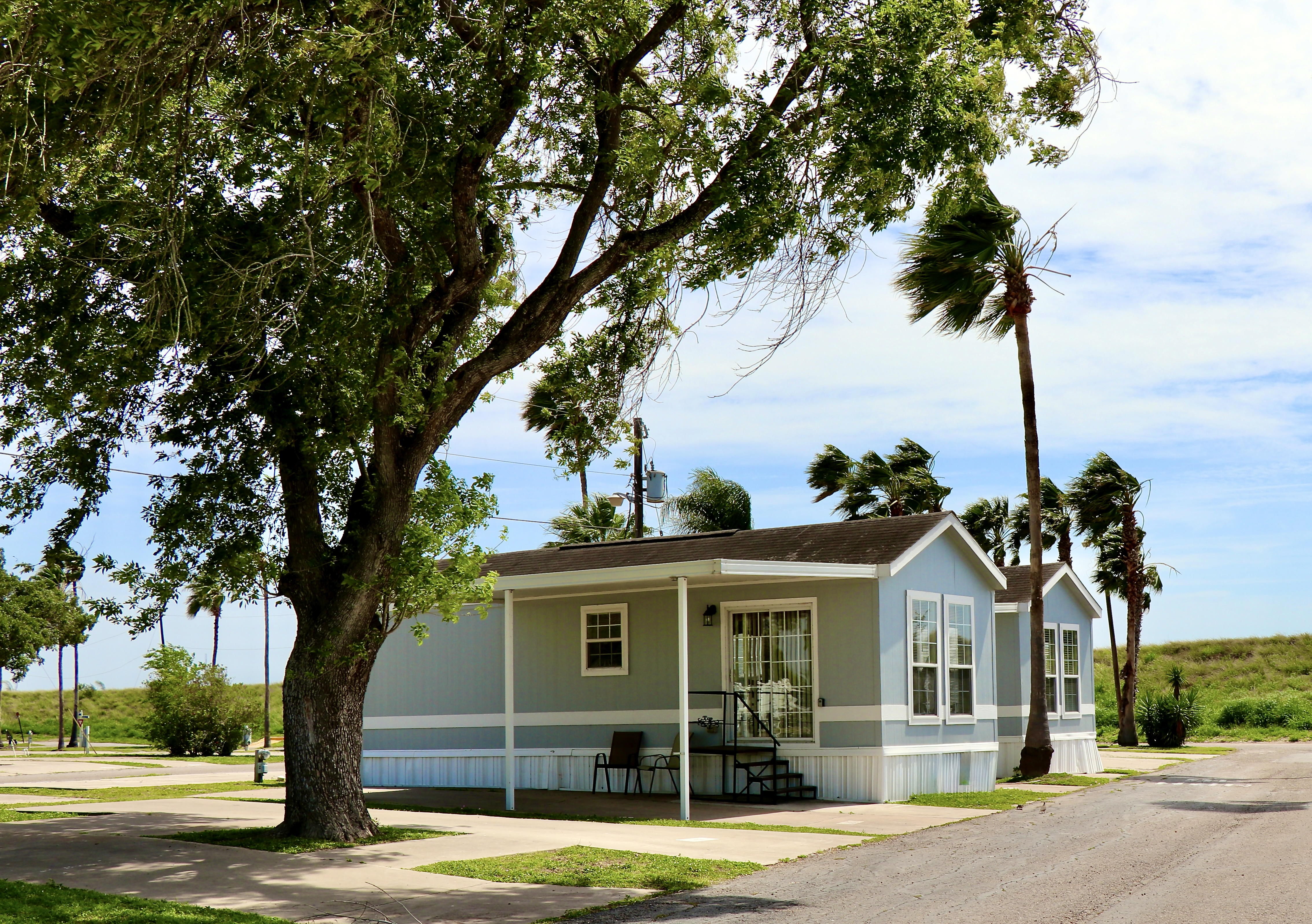
Premier Home community
Enjoy clean, home sites surrounded by nature.

Championship Golf Course
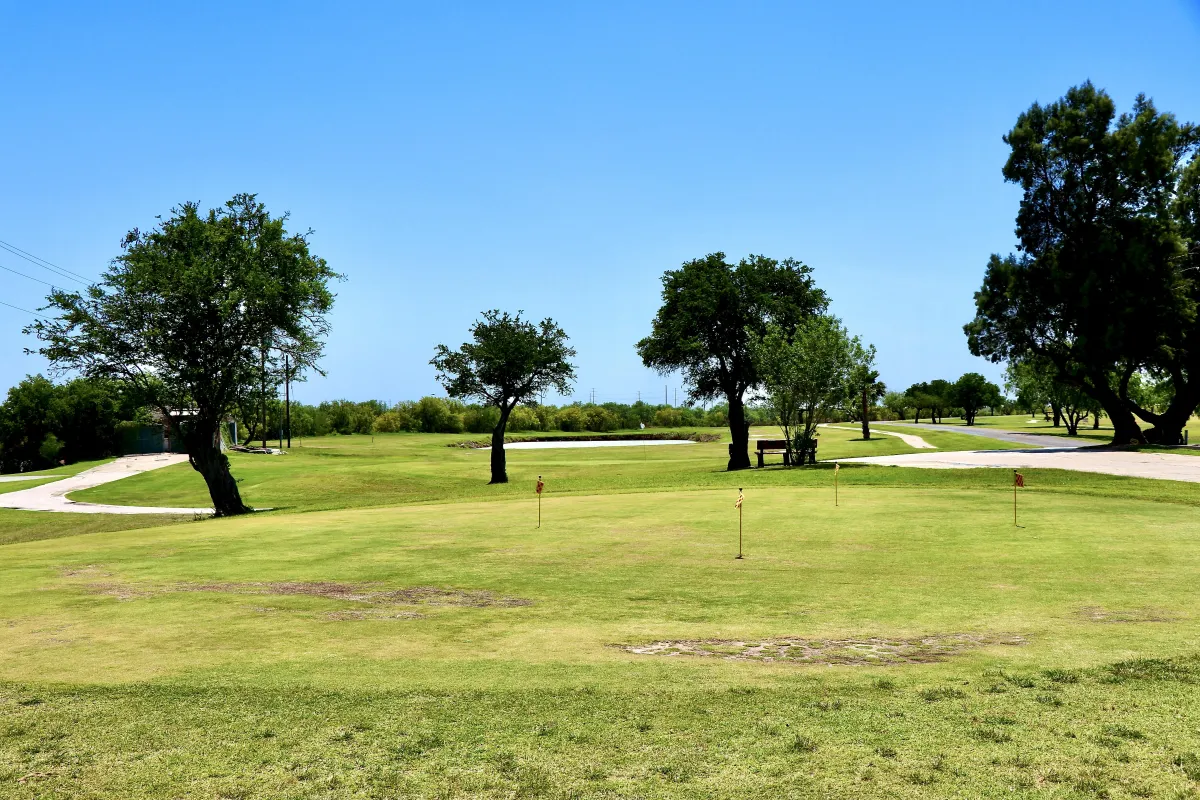
Play on the 18-hole championship course, offering a well-maintained layout for golfers of all skill levels.
Welcome to The valley's Premier resort and golf course
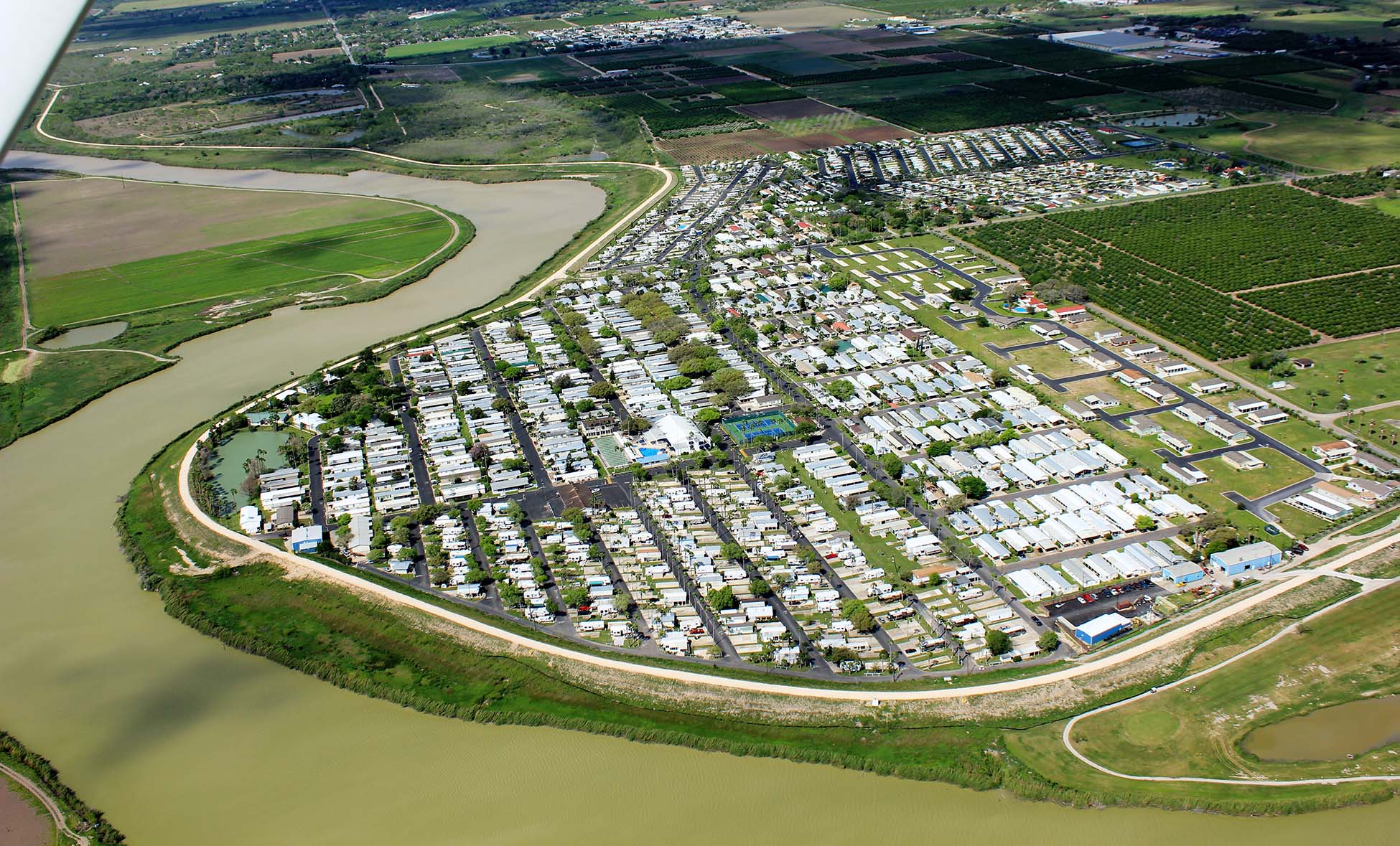
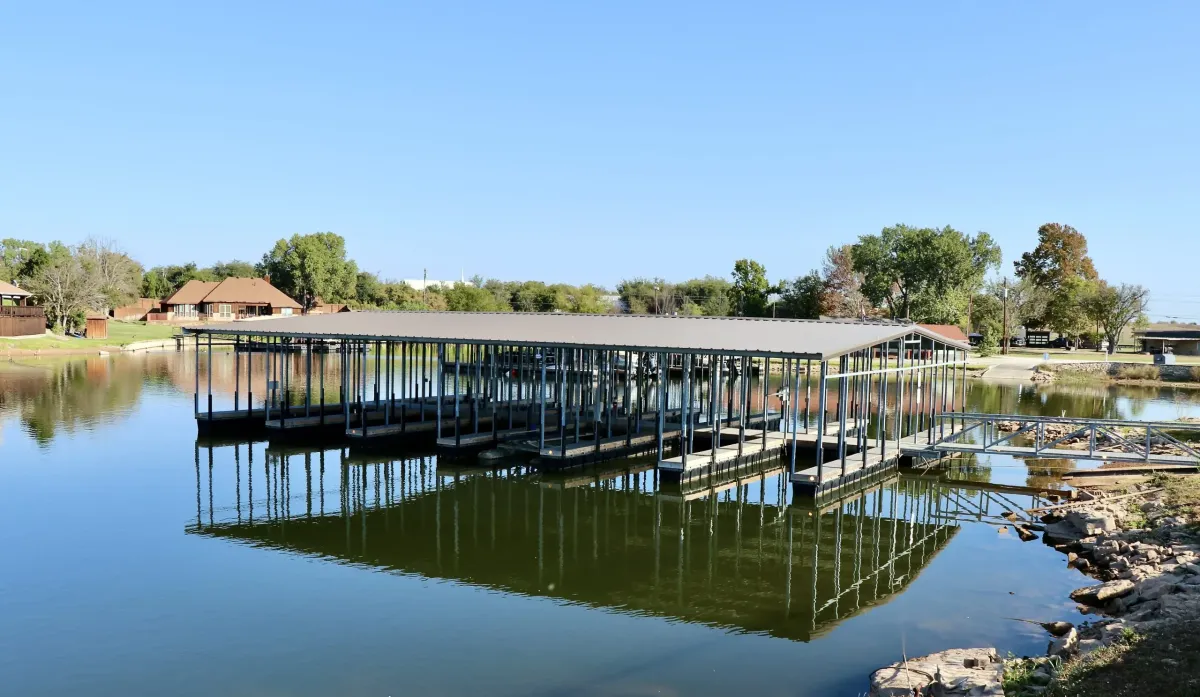
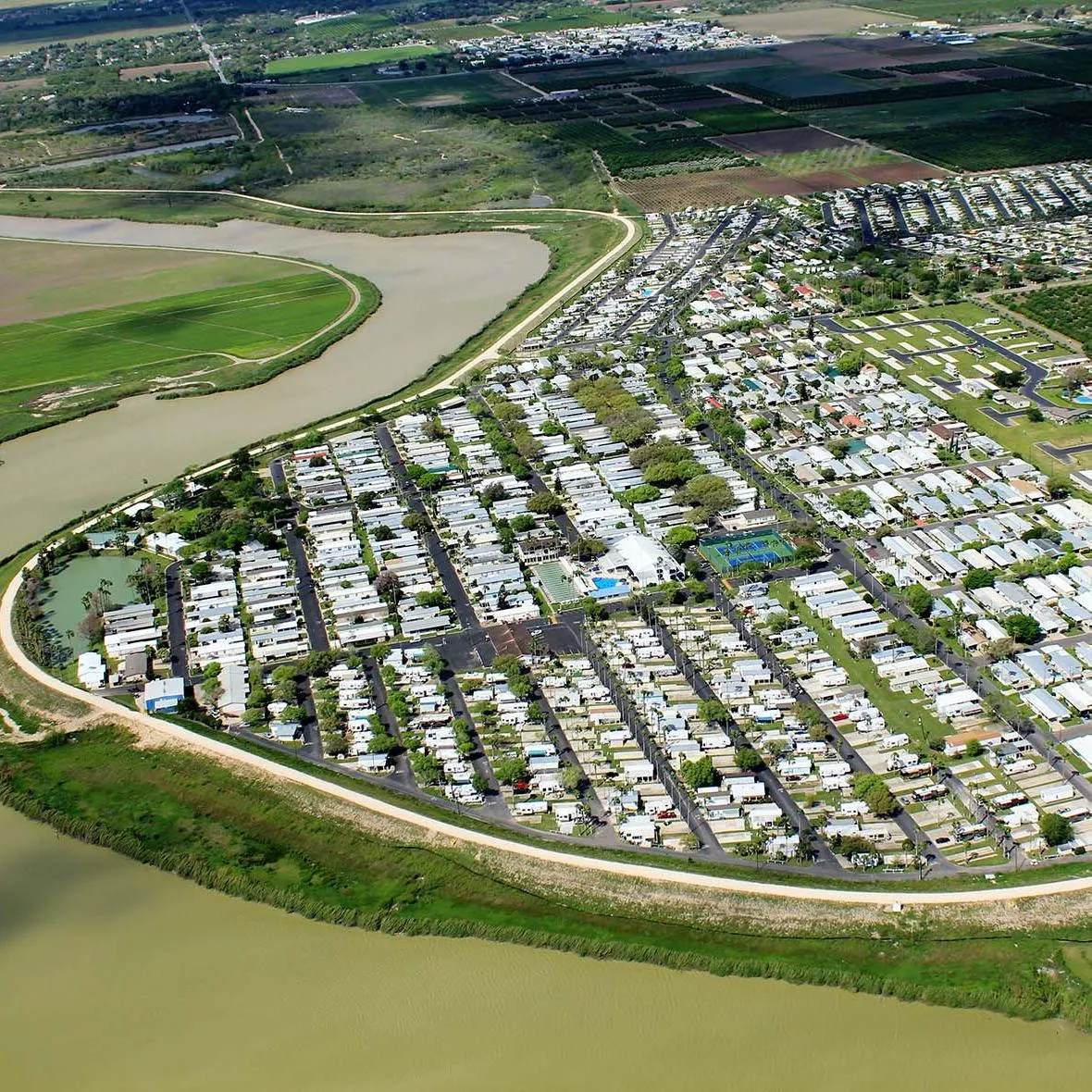
Discover a relaxing South Texas getaway at Llano Grande Resort and Golf Club, located in beautiful Mercedes, Texas in the heart of the Rio Grande Valley. Surrounded by lush landscapes and warm sunshine, our resort offers the perfect blend of comfort, recreation, and convenience for guests seeking an active and enjoyable stay.
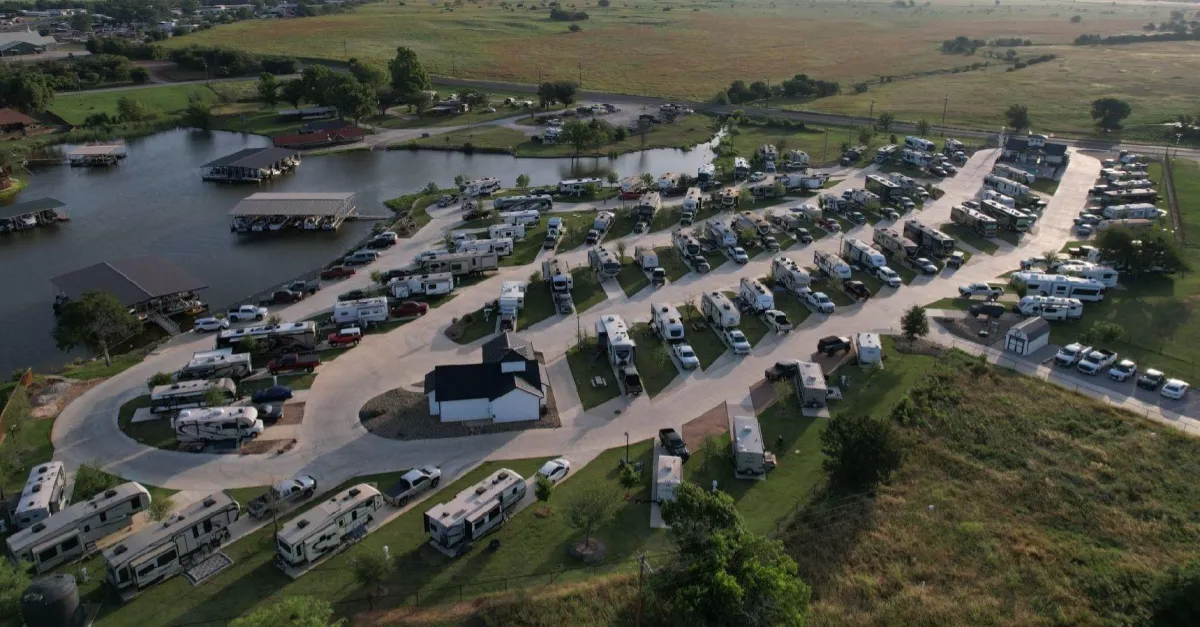
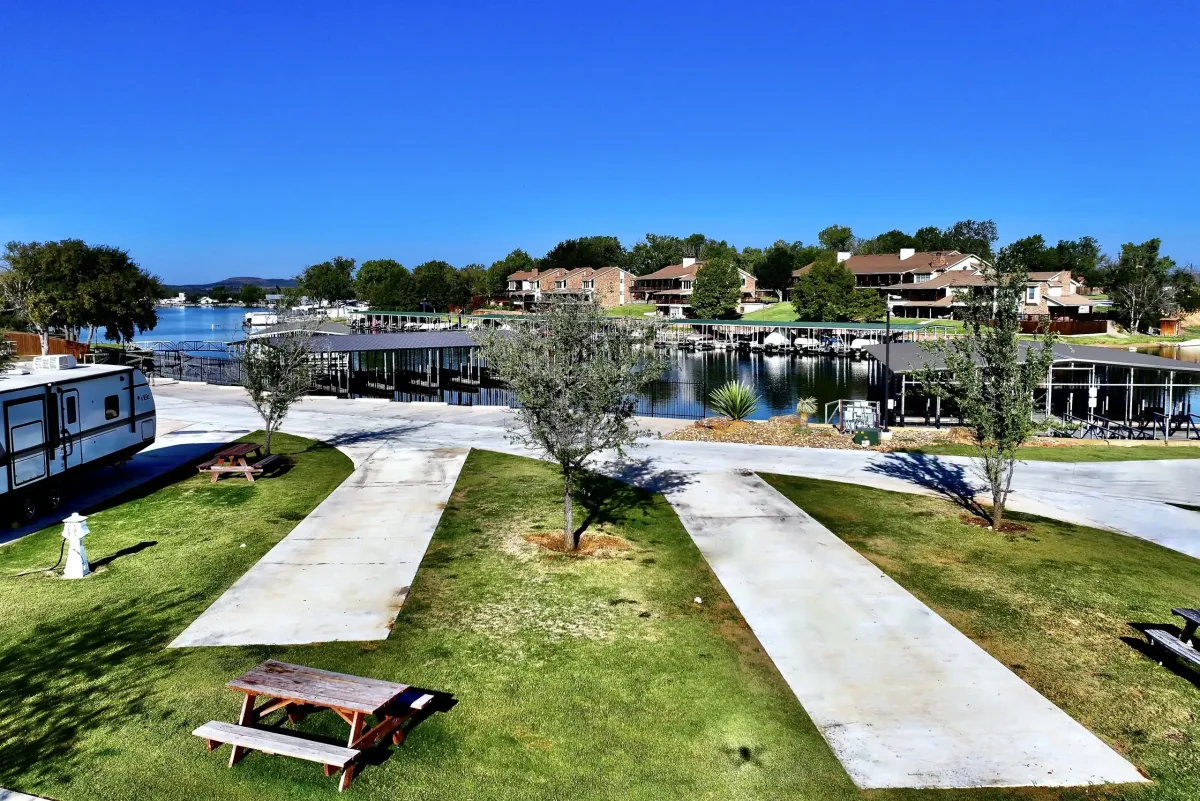
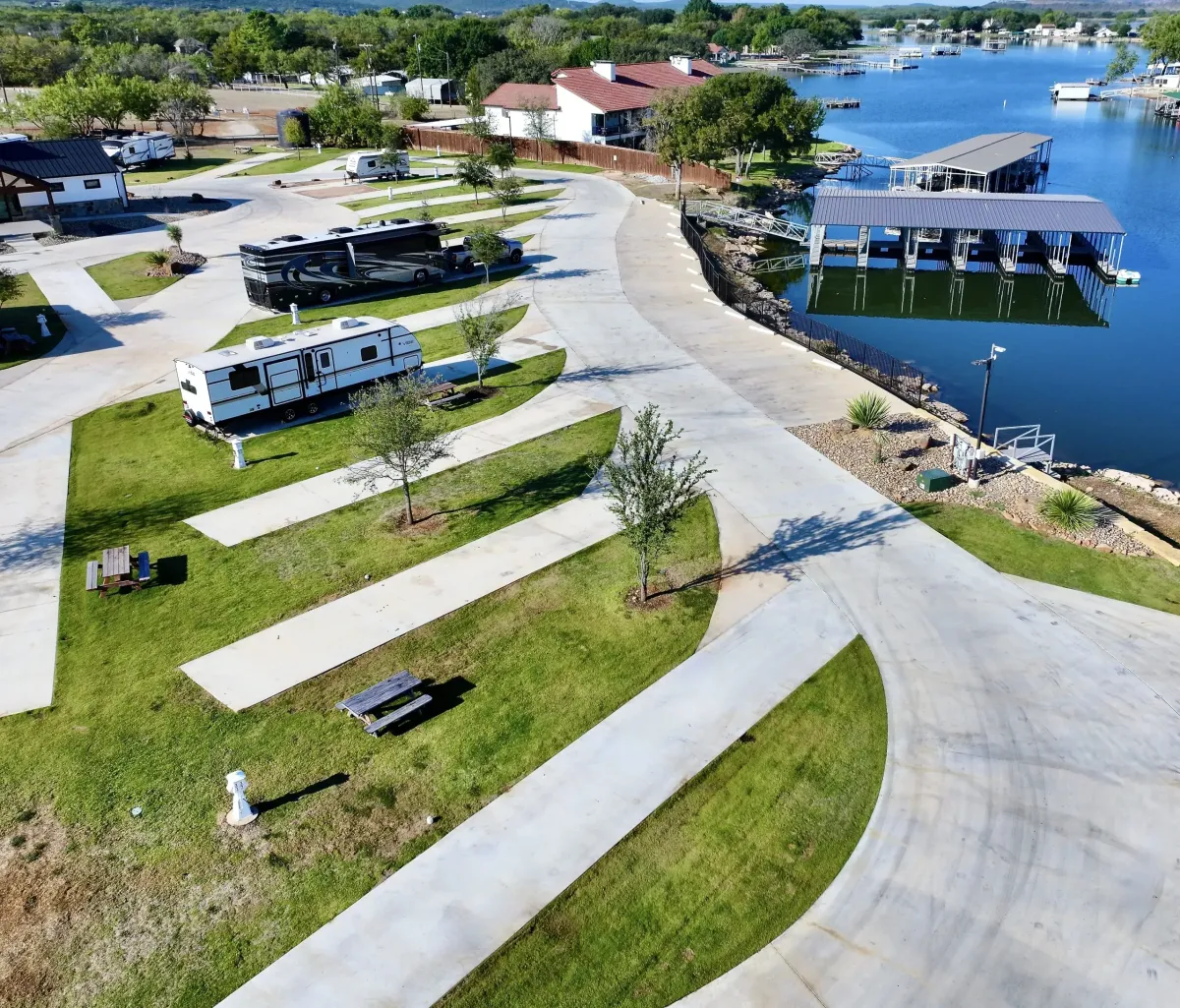
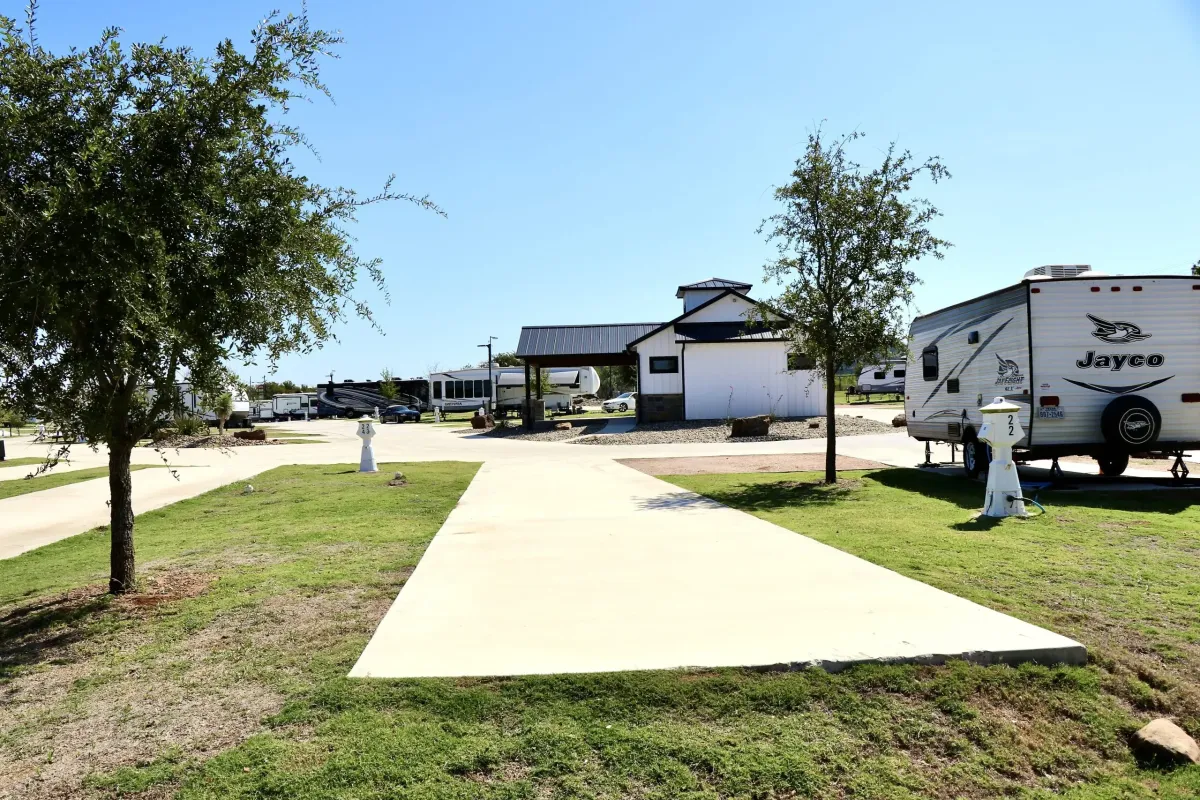
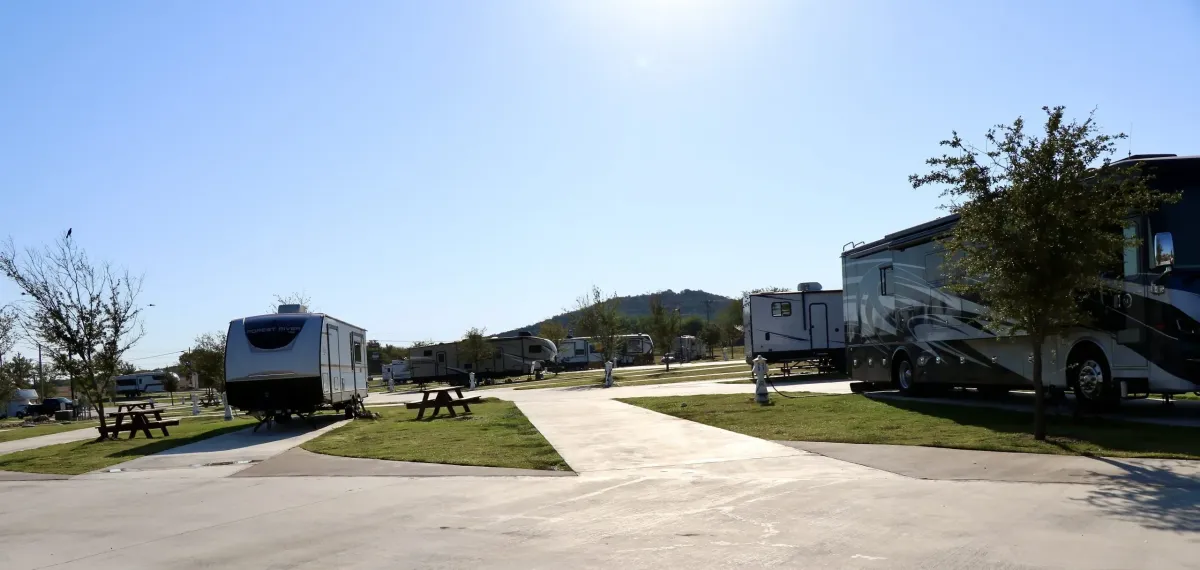
Our spacious full-hookup RV sites accommodate everything from small travel trailers to large motorhomes, with easy-access pull-through and back-in options available. Whether you're planning a seasonal stay, winter retreat, or extended visit, Llano Grande provides a welcoming and well-maintained home base.
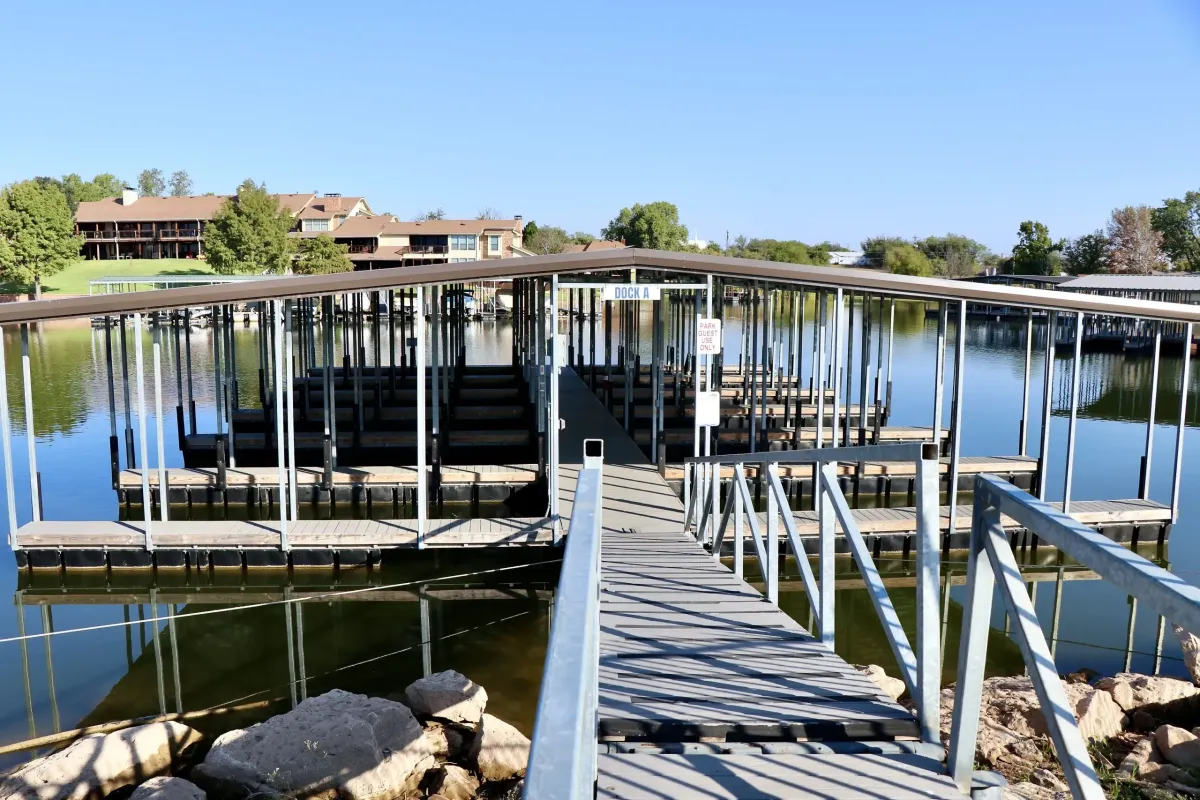
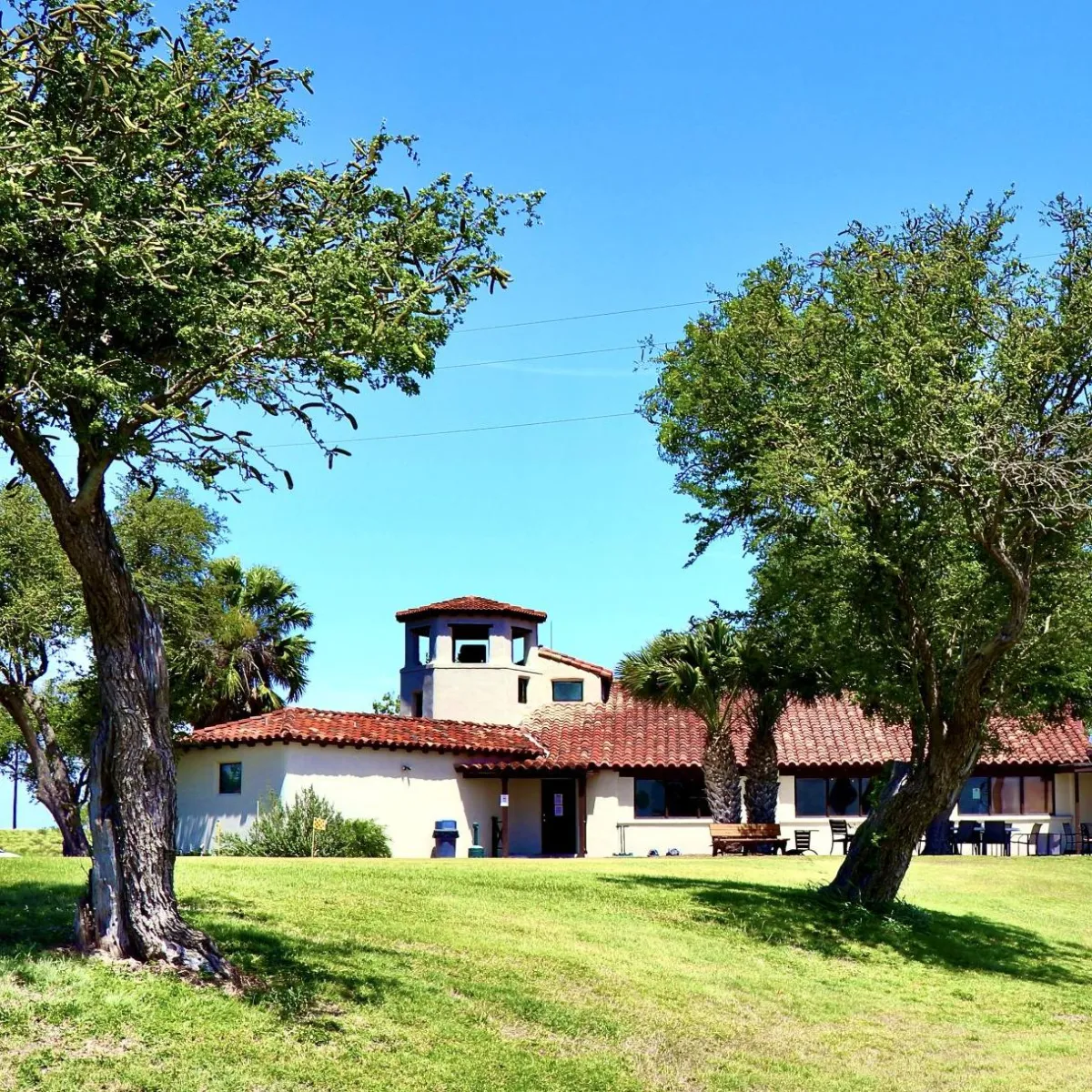
Guests enjoy resort-style amenities including a championship golf course, swimming pools, clubhouse, fitness center, and a full calendar of activities, creating a vibrant and social atmosphere. With nearby shopping, dining, and attractions throughout the Rio Grande Valley, there’s always something to explore.
Conveniently located near major roadways in Mercedes, Texas, Llano Grande Resort and Golf Club is a top choice for RV travelers seeking a premier golf resort experience in South Texas..
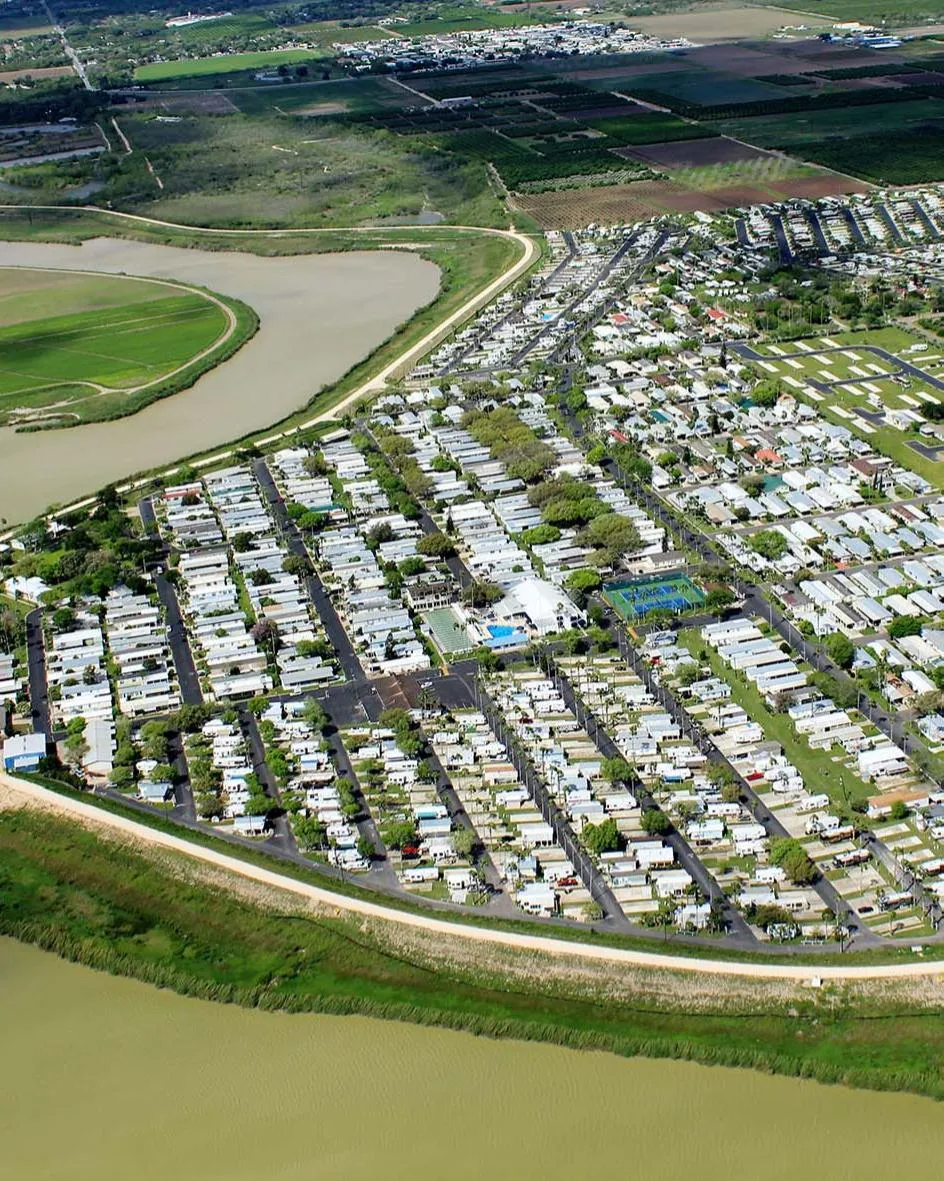

Adventures of a Lifetime
Memories for a Lifetime
First Class RV Sites
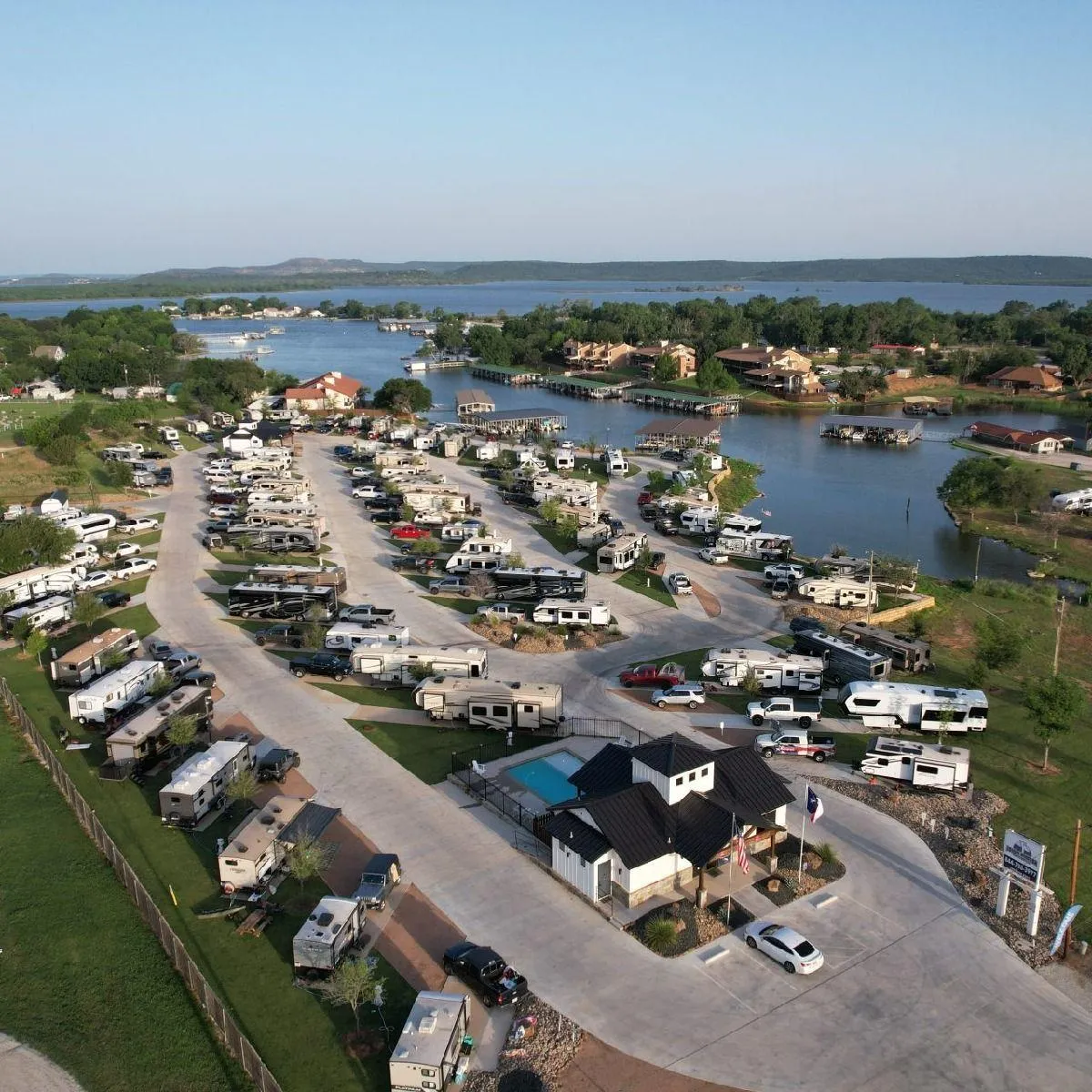
300+ Spacious RV Sites at Llano Grande Resort
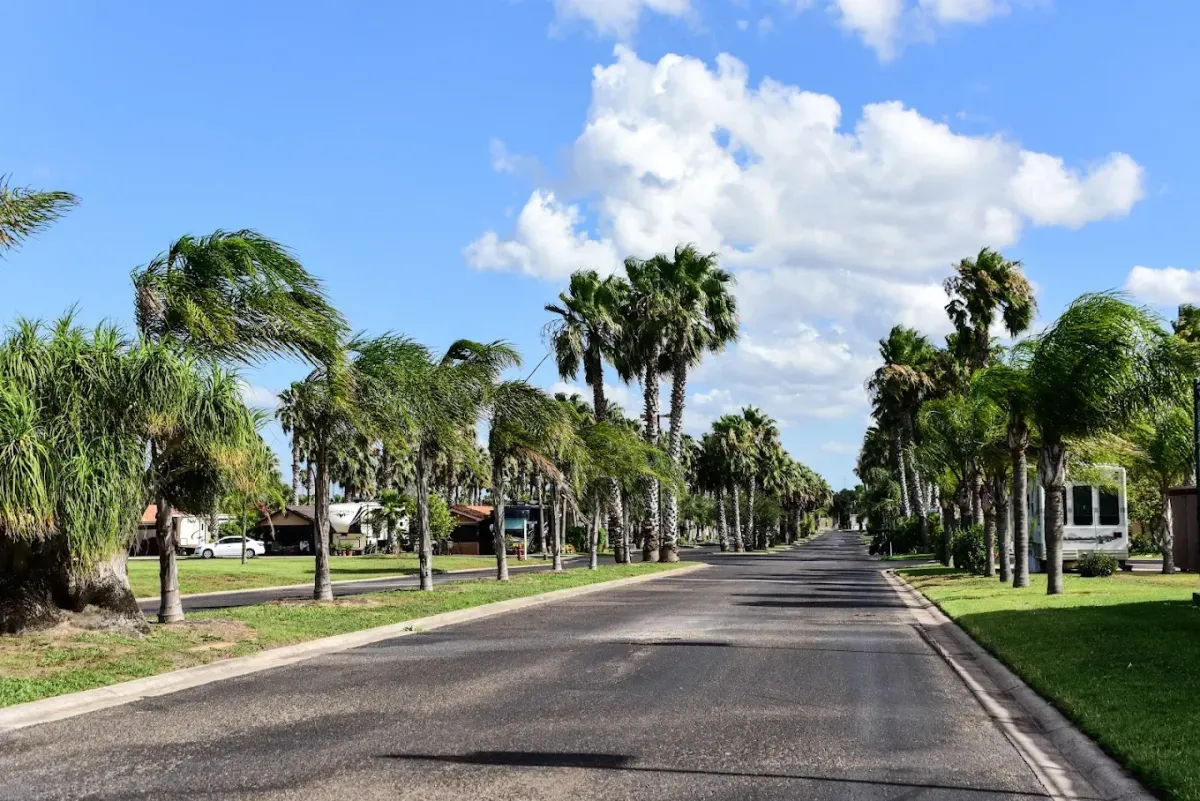
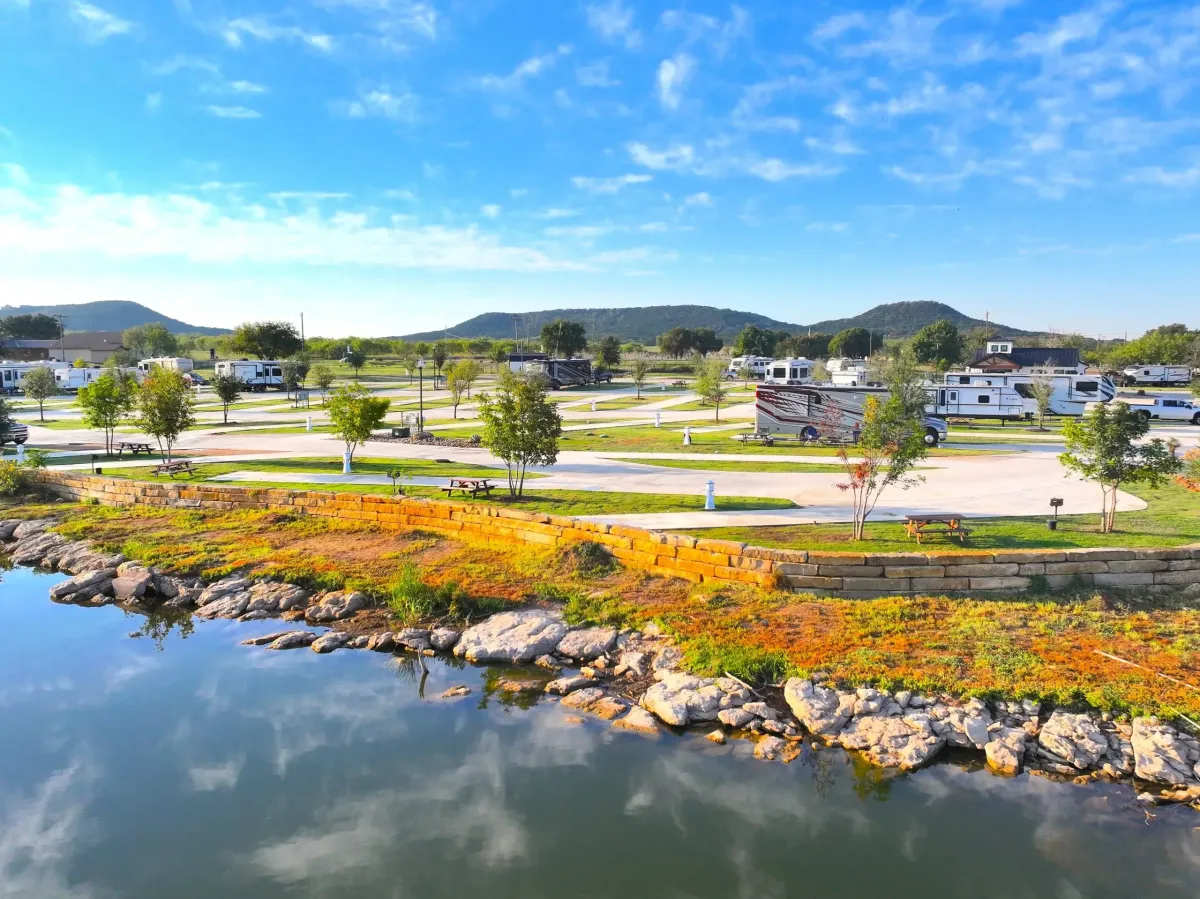
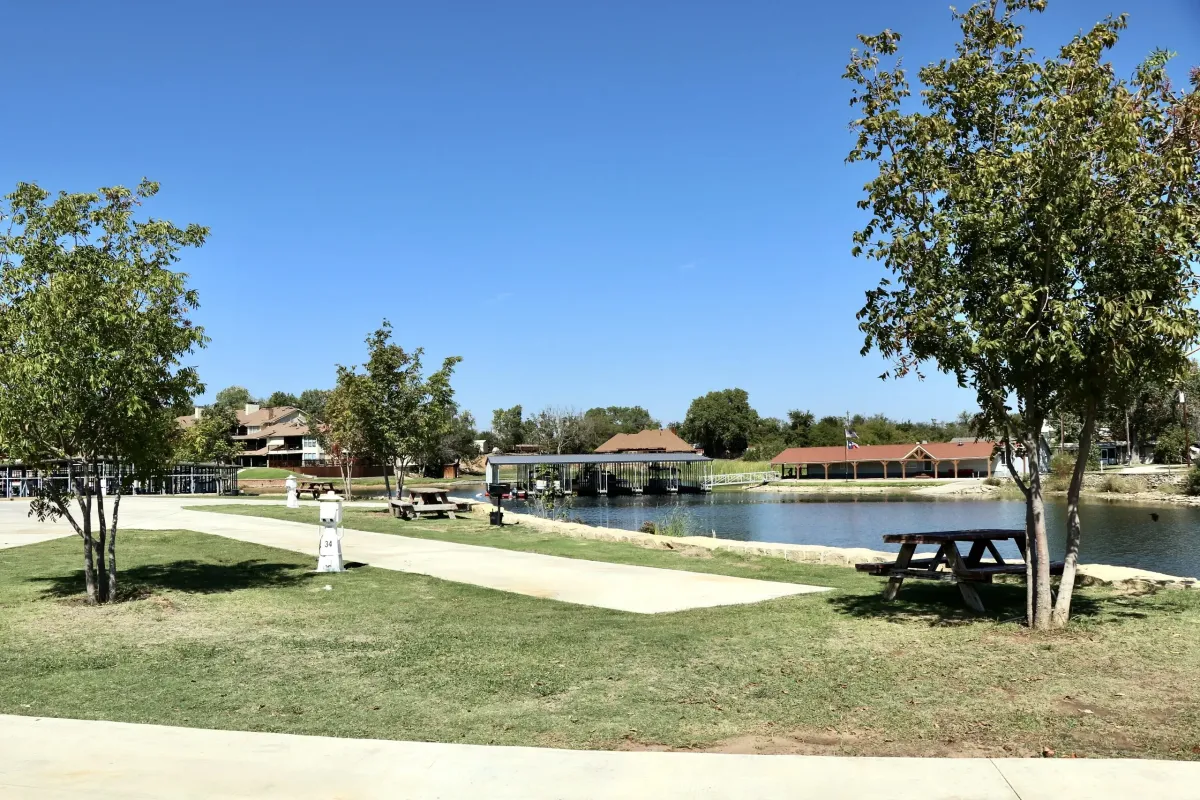
Settle into a pull-thru or back-in tropical-landscaped full hookup RV site, complete with high-speed internet access.
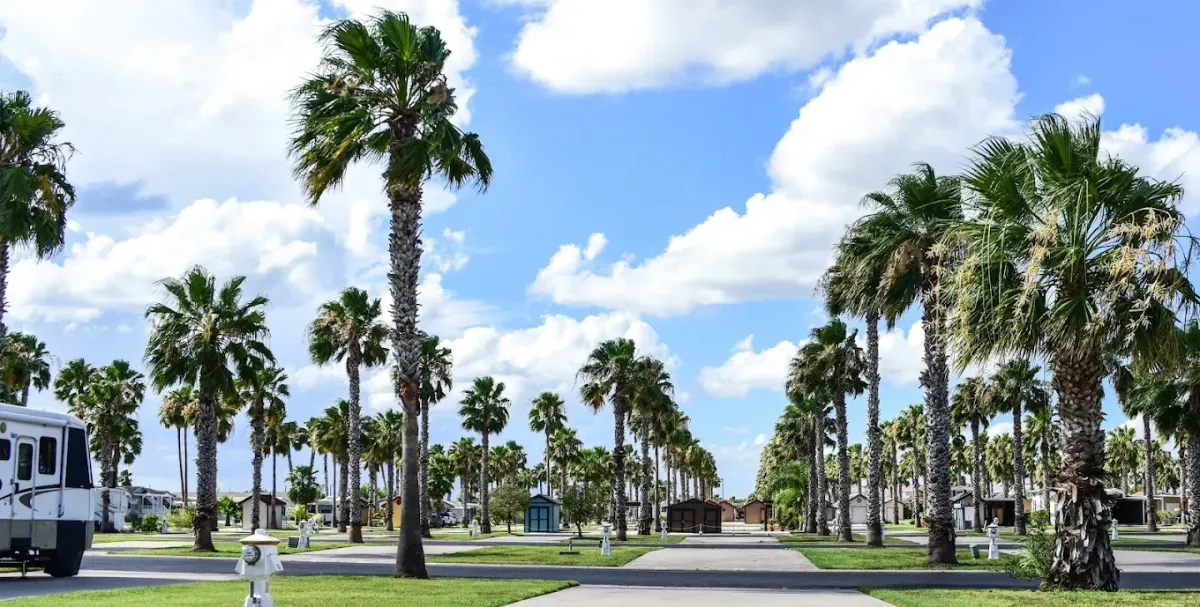
First Class RV Sites
Spacious RV Sites at Llano Grande Resort
Settle into a pull-thru or back-in tropical-landscaped full hookup RV site, complete with high-speed internet access.
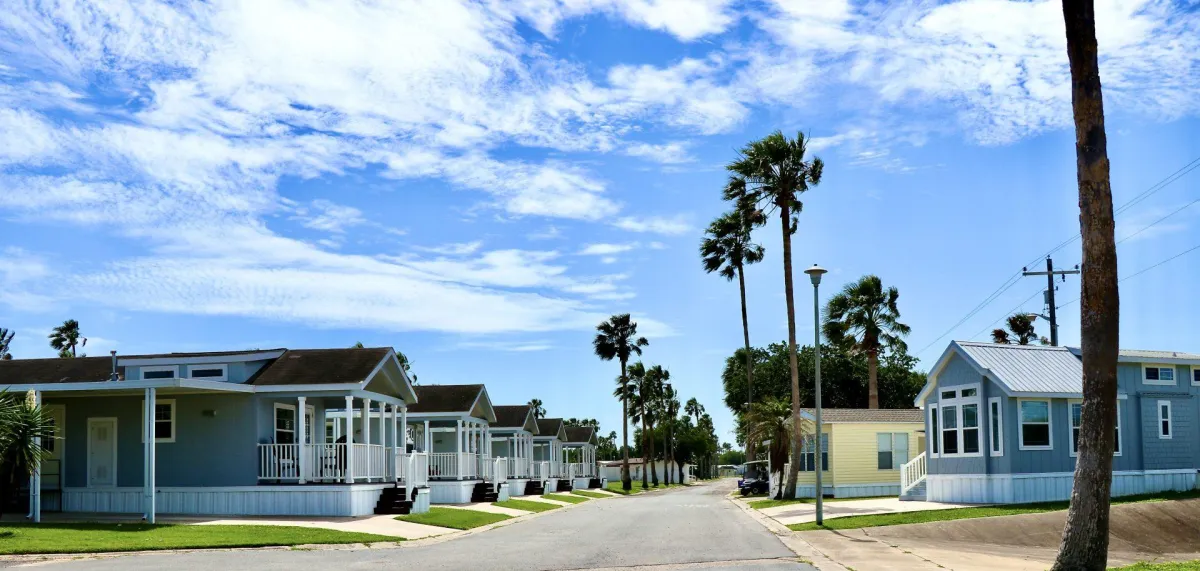
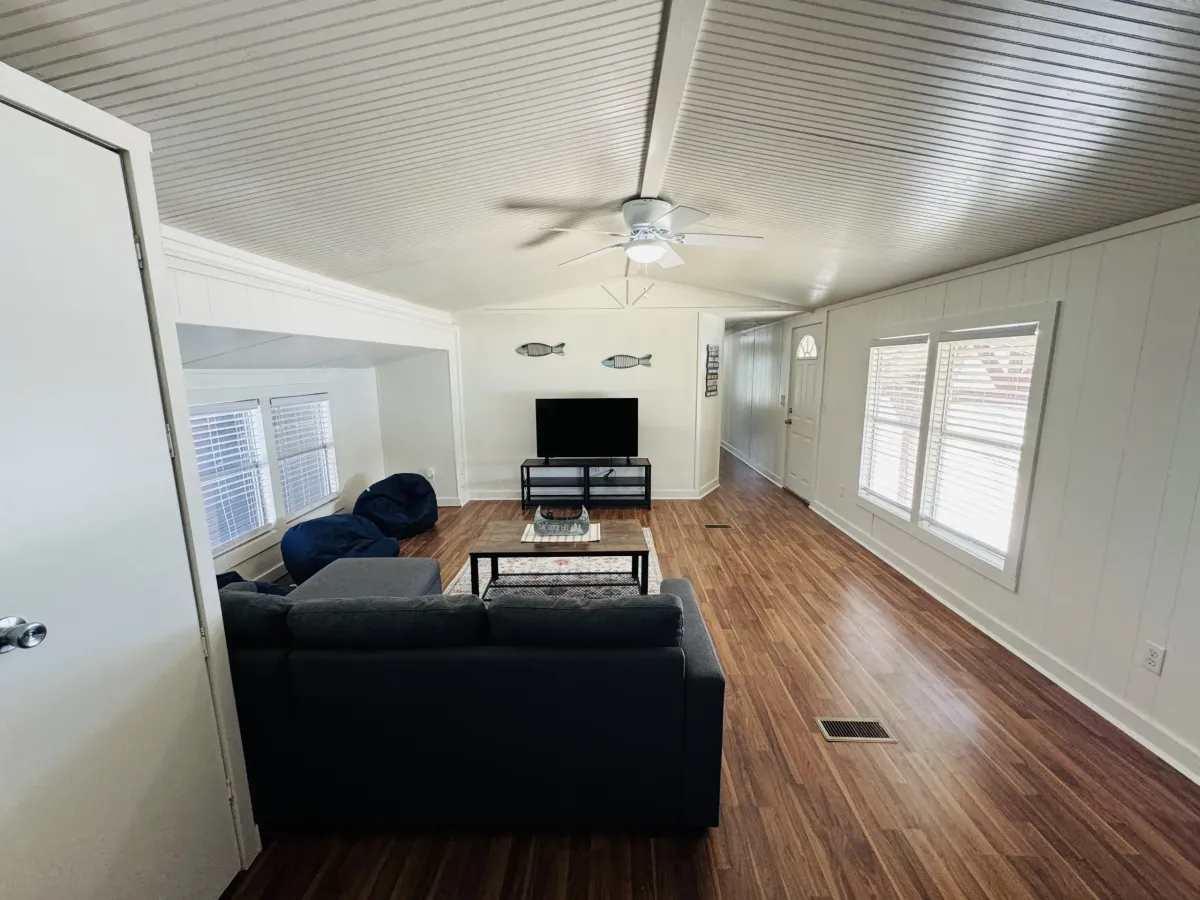
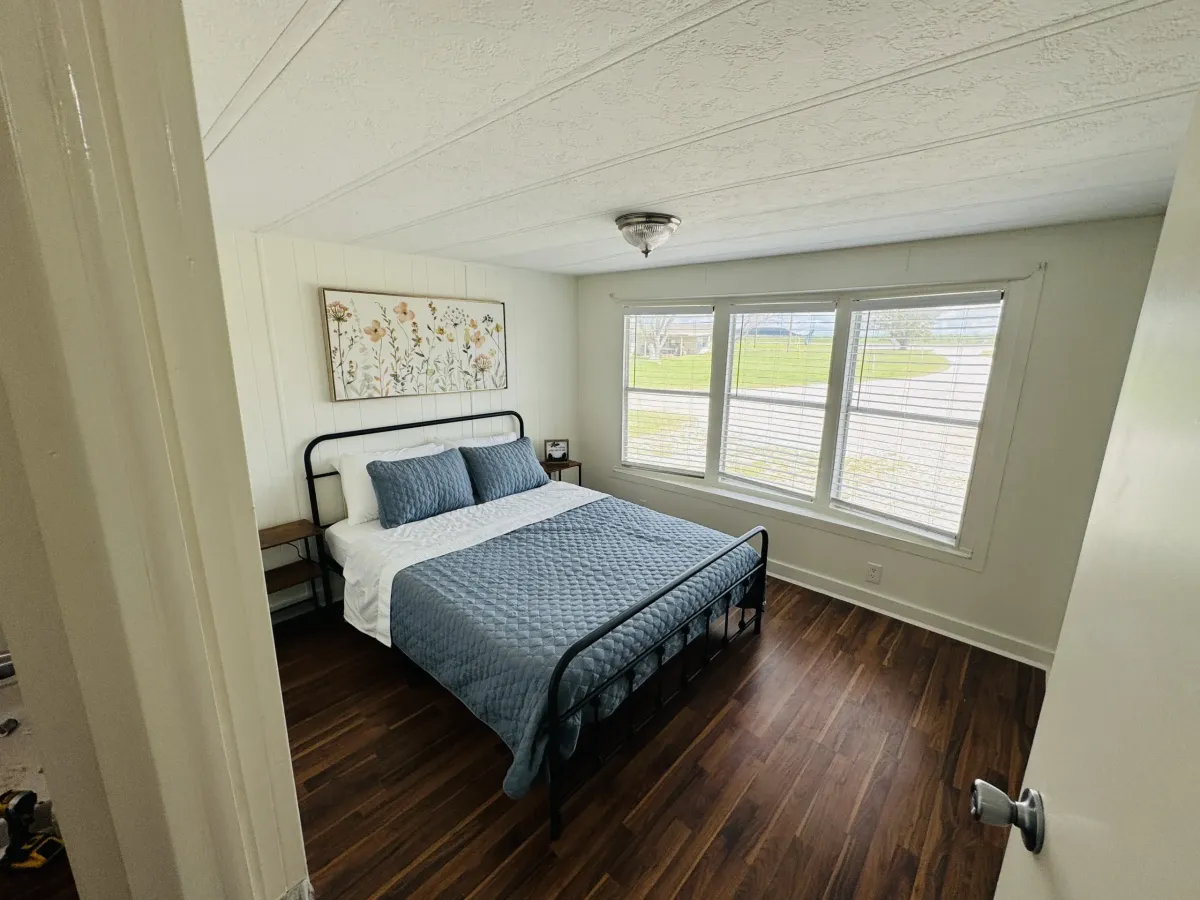
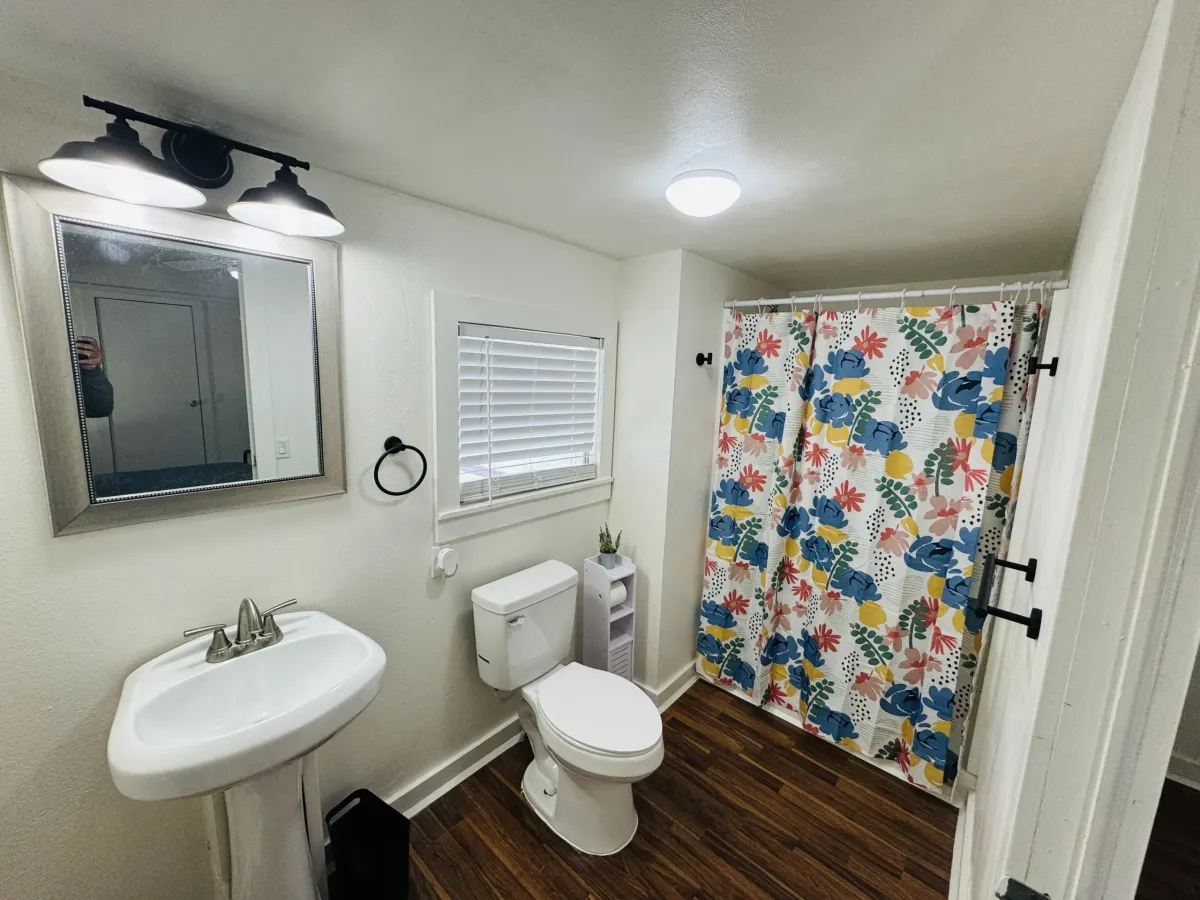
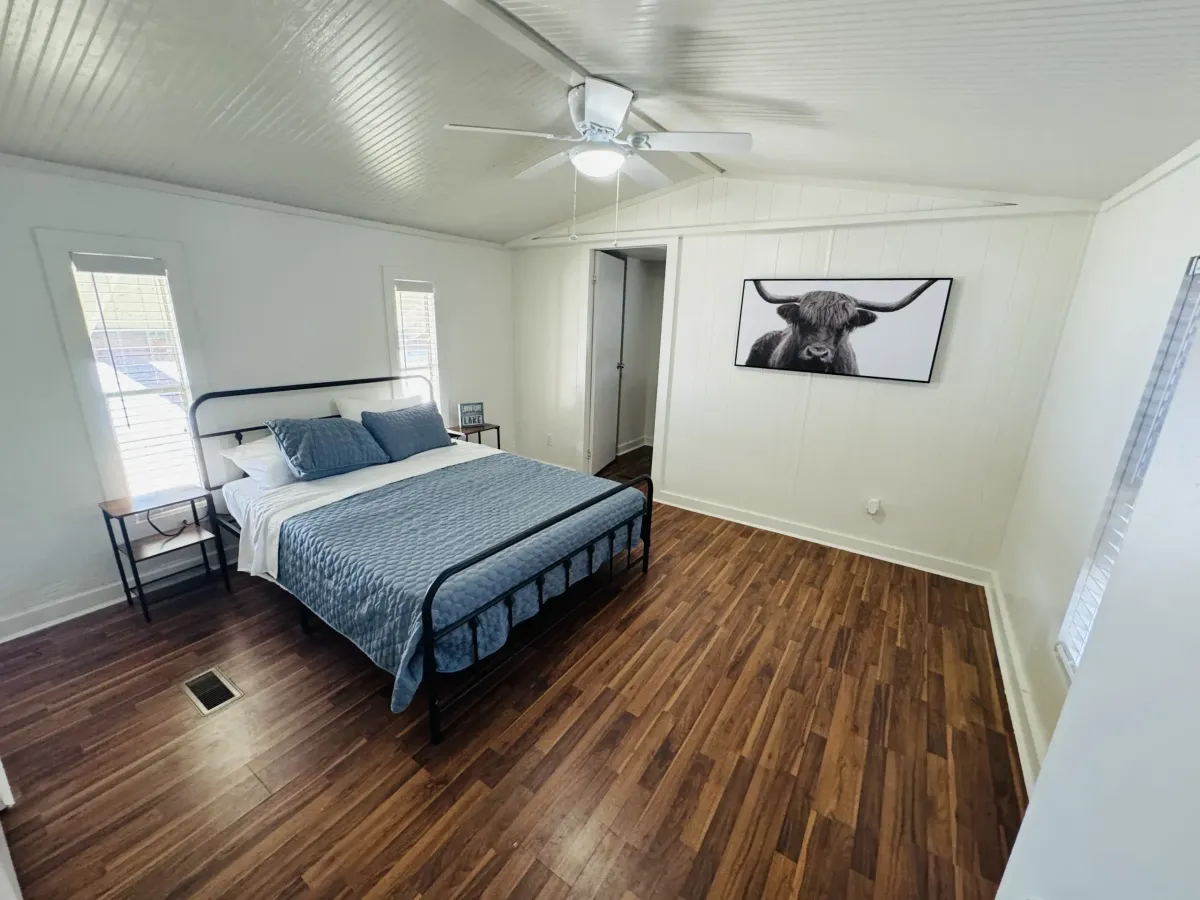
Premier Rentals
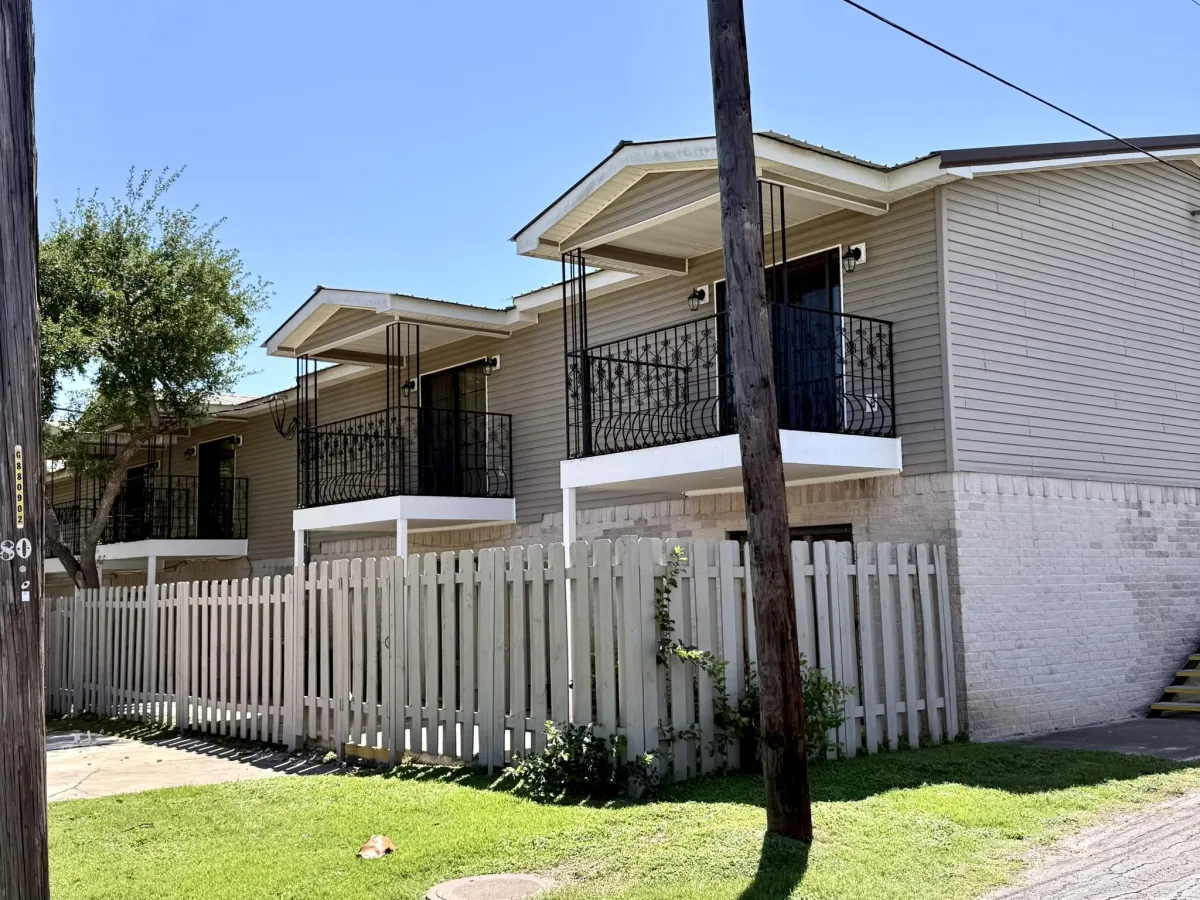
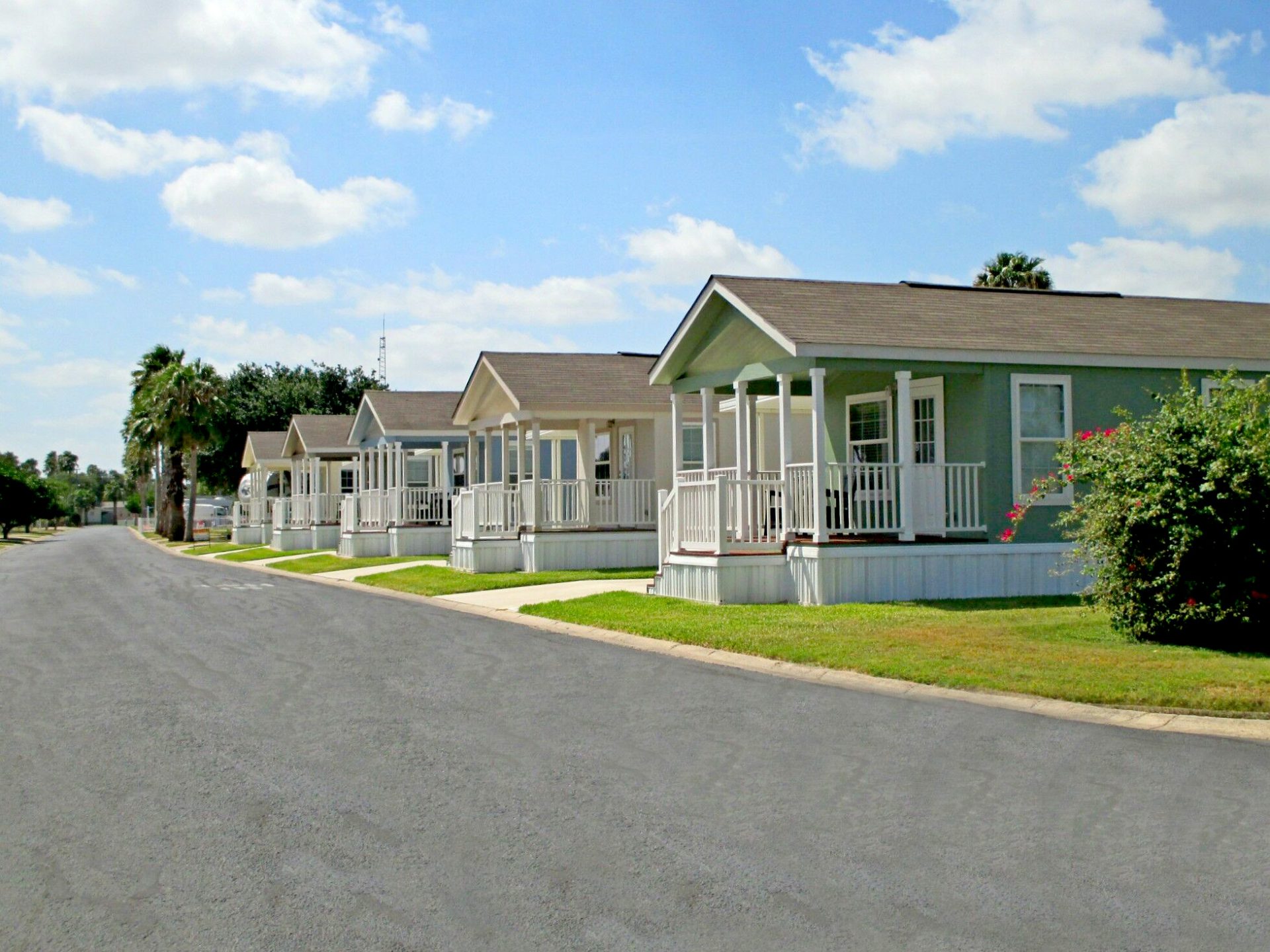
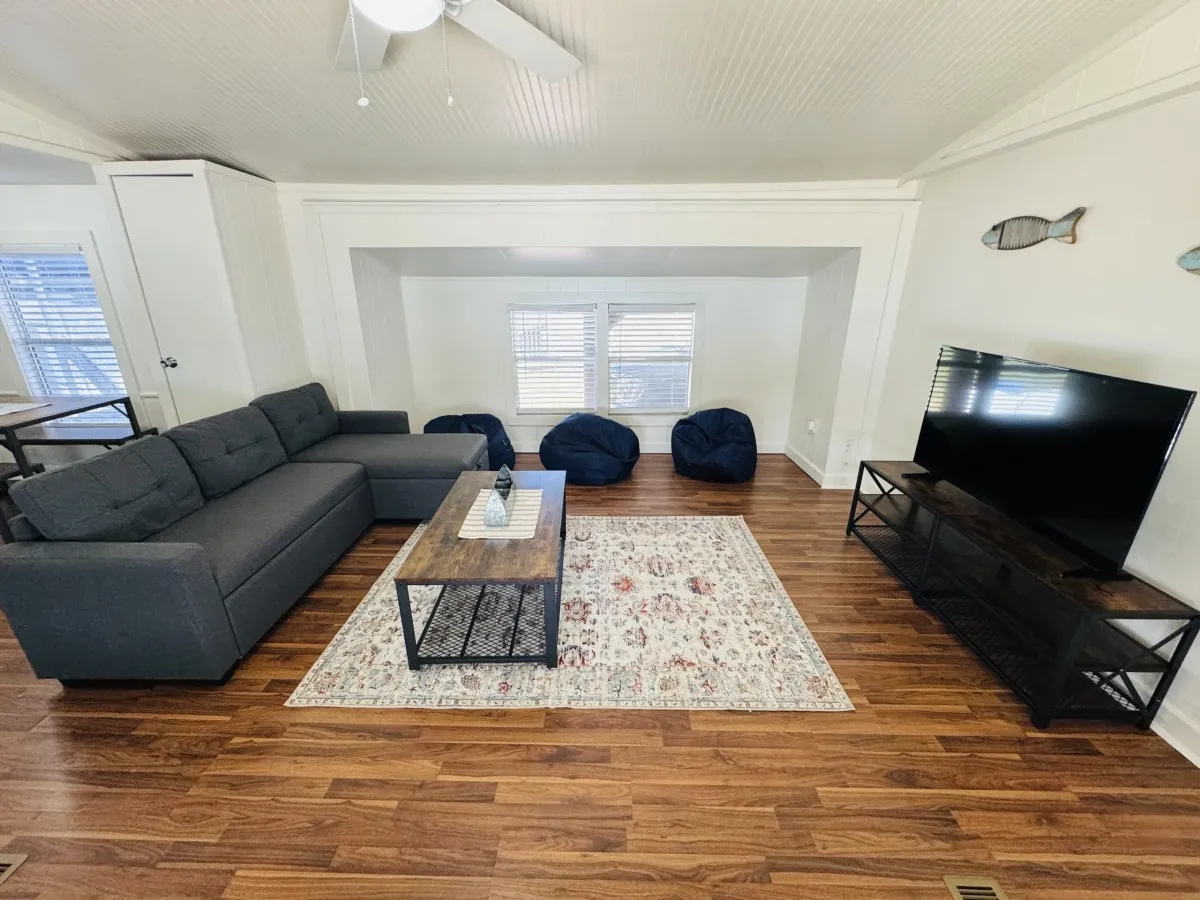
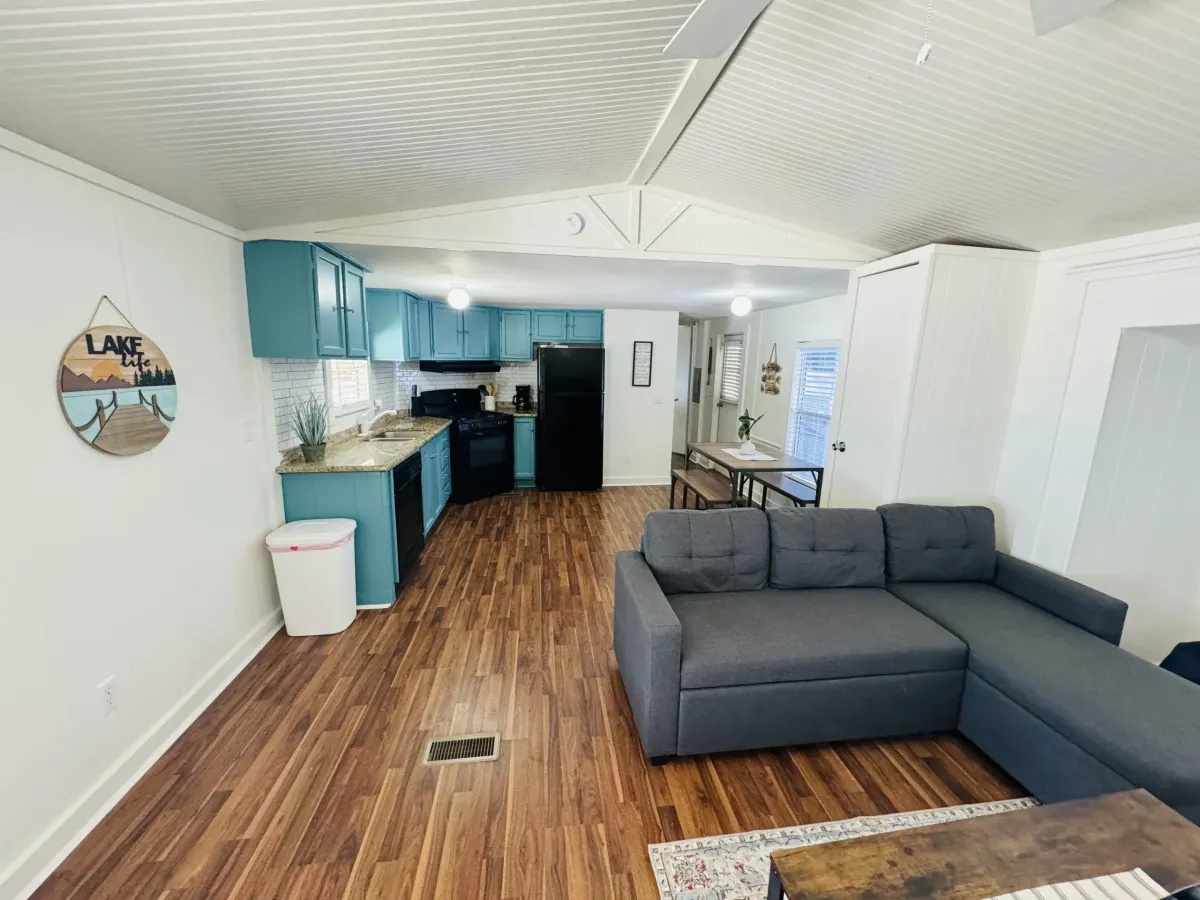
Park Models, Cottages, and Apartments
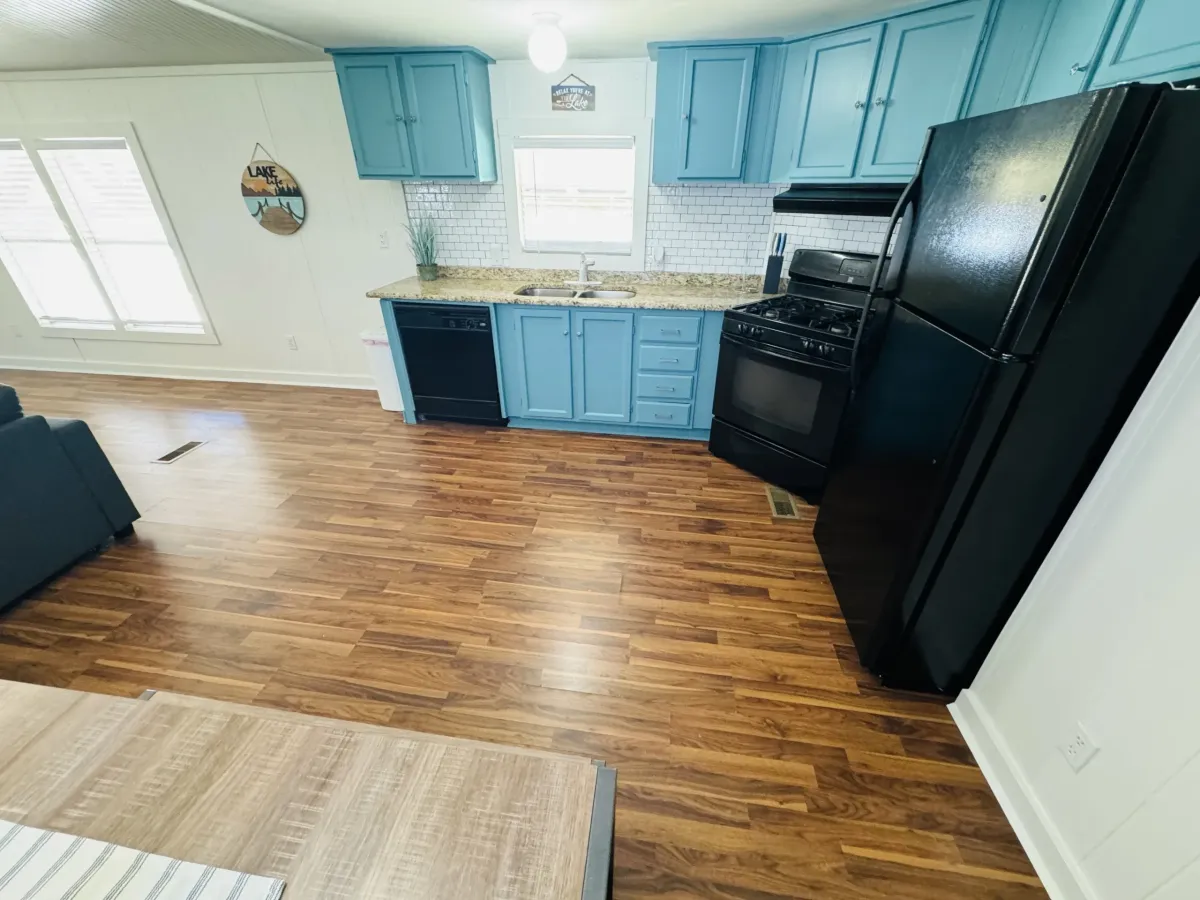
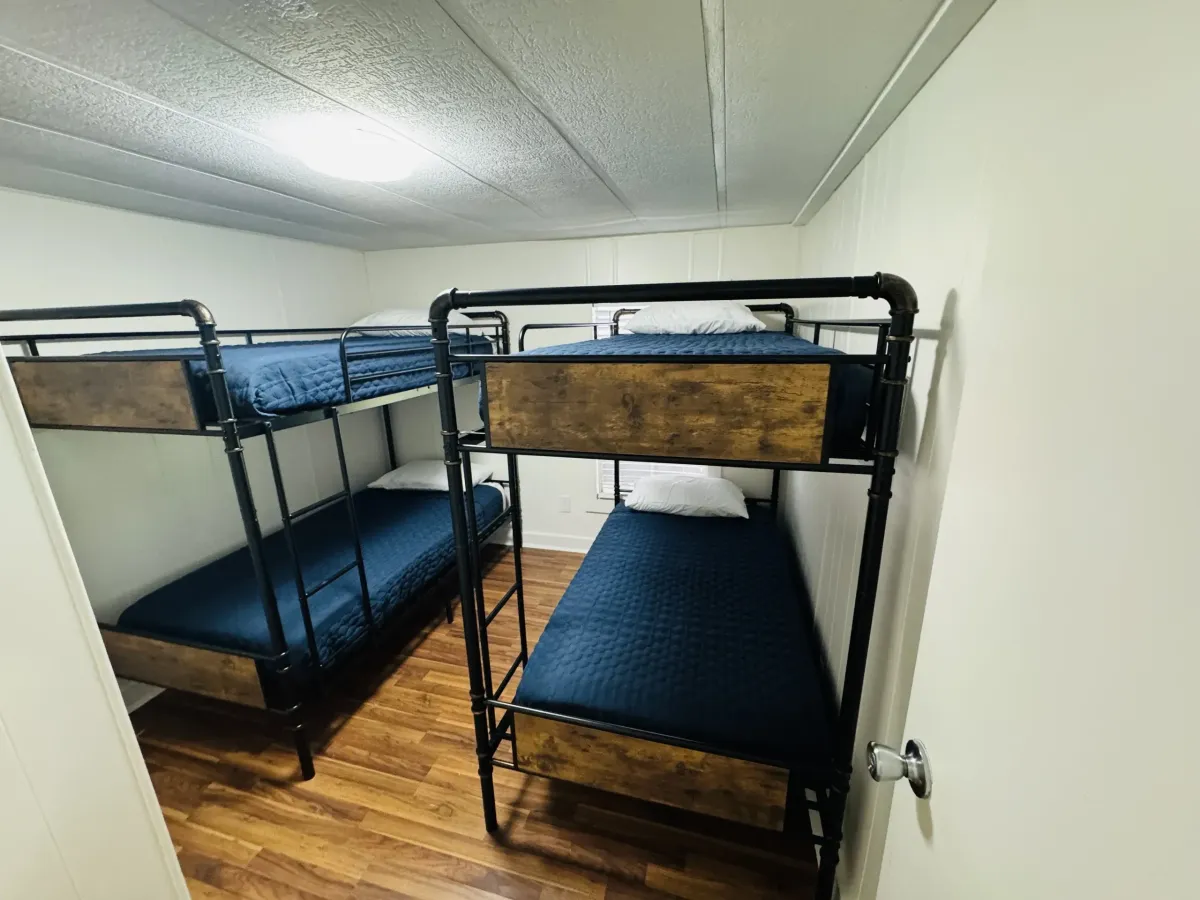
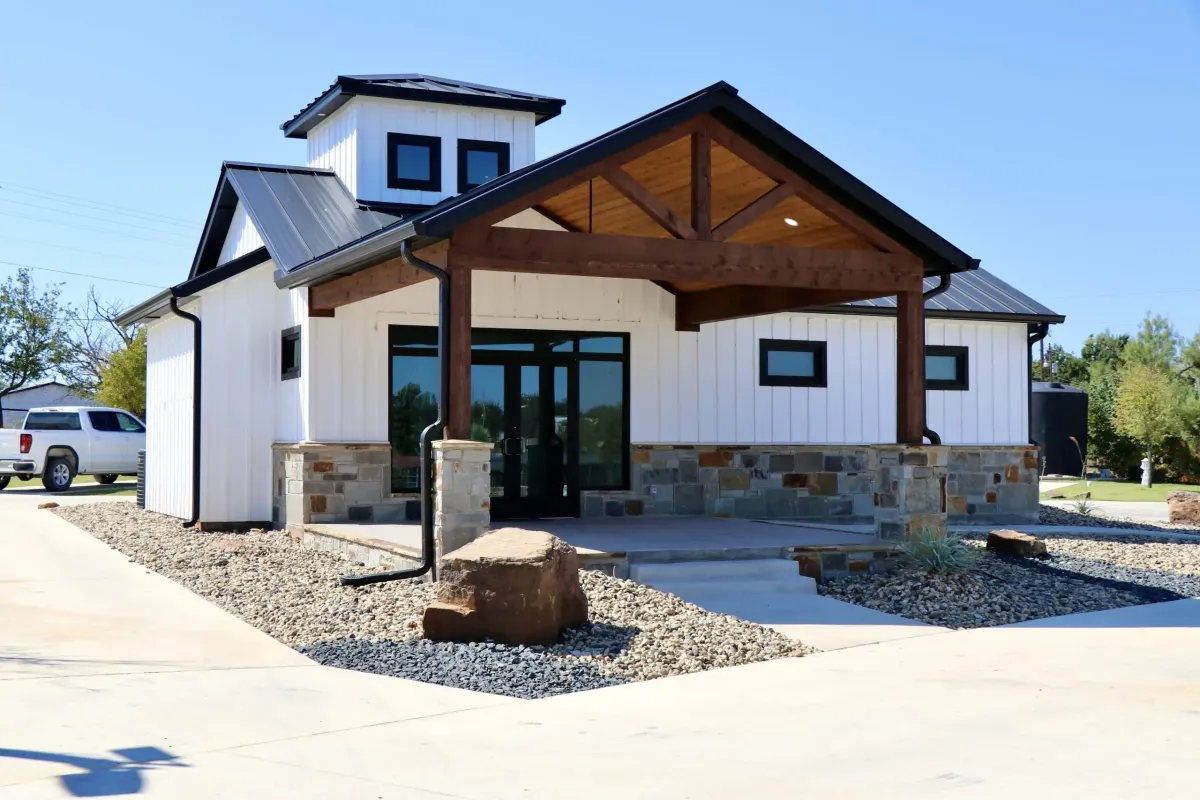
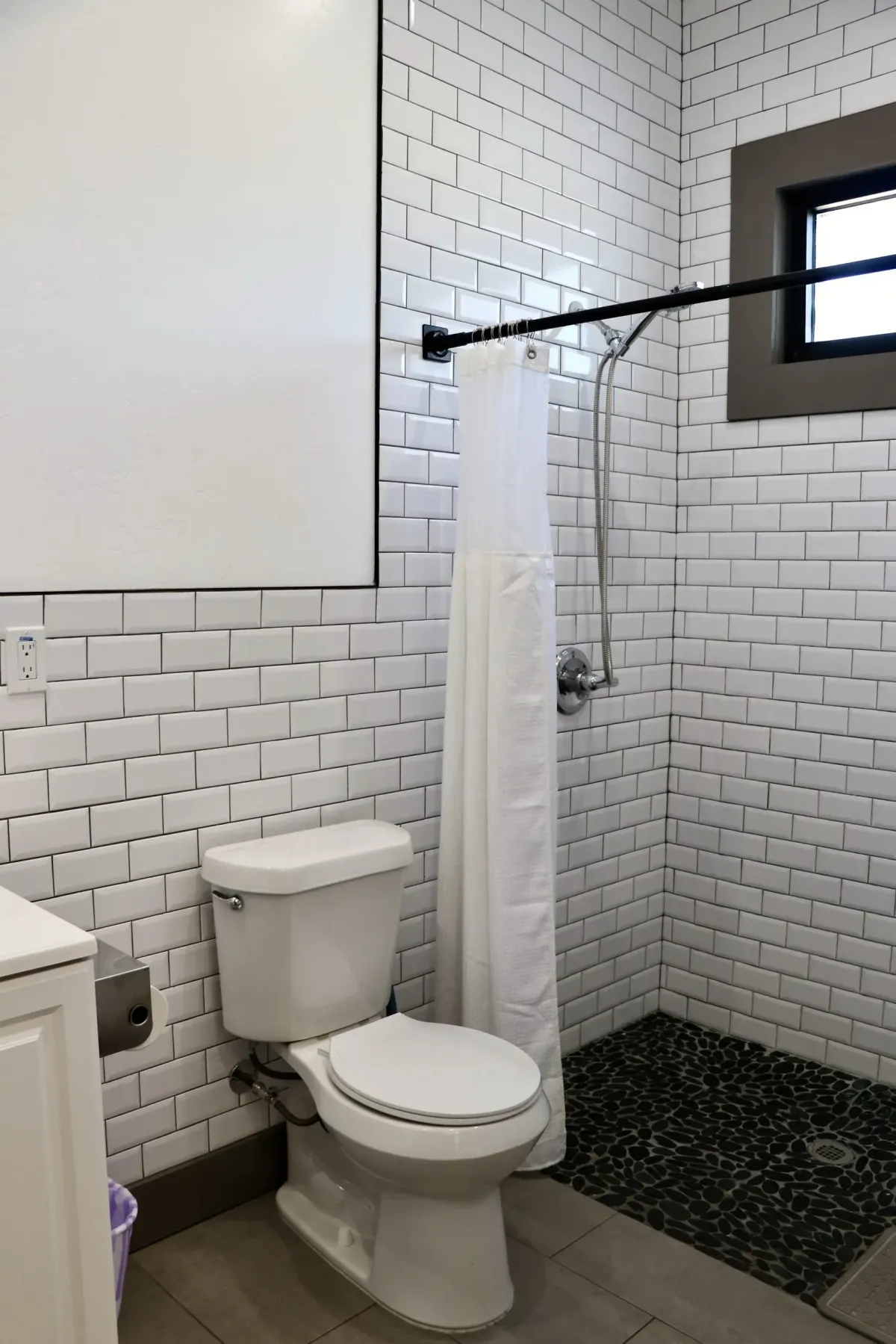
Feel at home in one of our move-in-ready comfortable park models, cottages, or apartment units.
Home Sales
Find Your Perfect Home Today!
Find your perfect seasonal vacation or year-round home at Llano Grande Resort and Golf Club. We have 2-3 bedroom homes that you'll fall in love with.
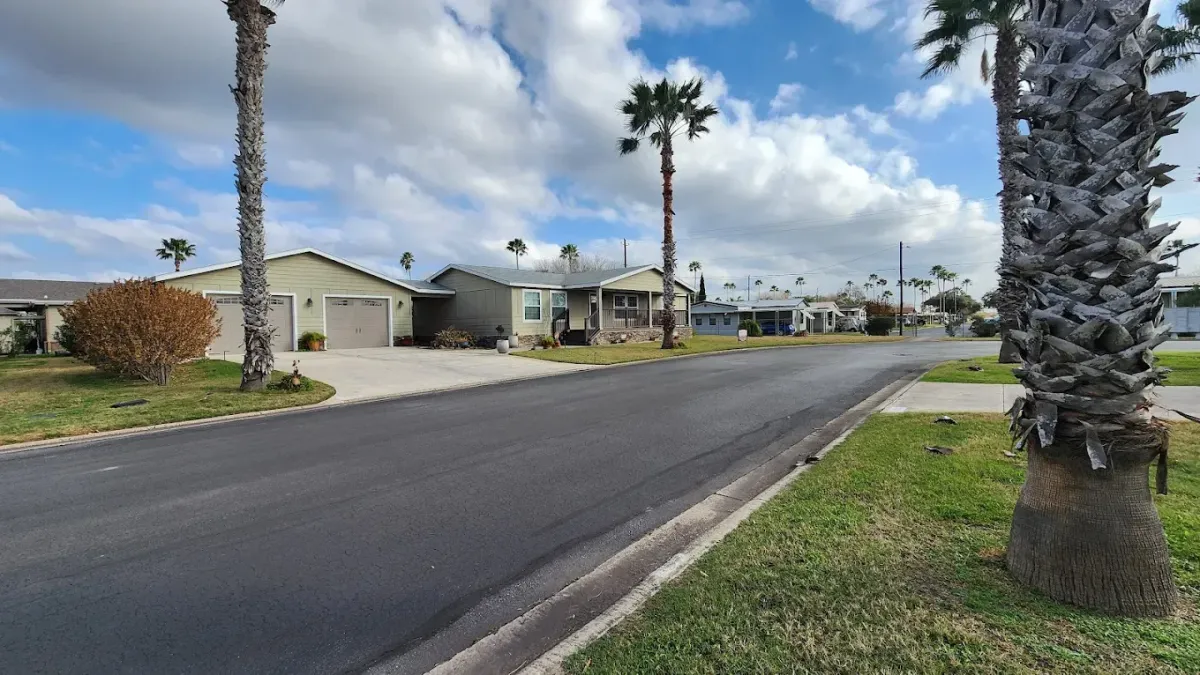
Home Sales
Find Your Perfect Home Today!
Find your perfect seasonal vacation or year-round home at Llano Grande Resort and Golf Club. We have 2-3 bedroom homes that you'll fall in love with.
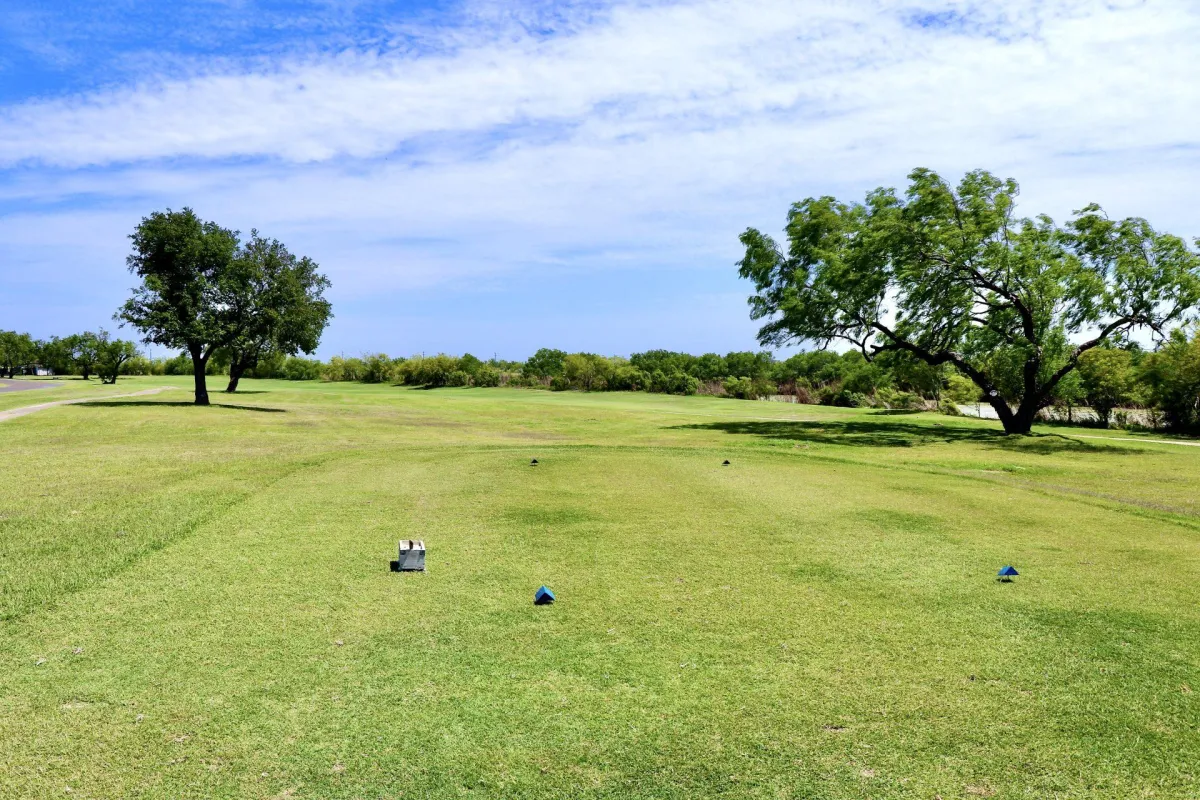
Golf Course
It's Tee-Time!
Reserve a tee time and golf the day away at our resort’s 18 Hole Championship Golf Course followed by a delicious meal at the Double Bogey Bar & Grill.
Why Stay at Llano Grande Resort & Golf Course?
Our resort offers modern amenities, along with RV sites, cozy cottages, and golfing nestled in the Rio Grande Valley in South Texas, with sites that accommodate a variety of RV sizes.
Resort Amenities Include:

Free High-Speed WiFi
Stay connected with Free Wi-Fi available throughout the resort, perfect for staying in touch during your stay.

18-hole Golf Course
Play on the 18-hole championship course, offering a well-maintained layout for golfers of all skill levels.

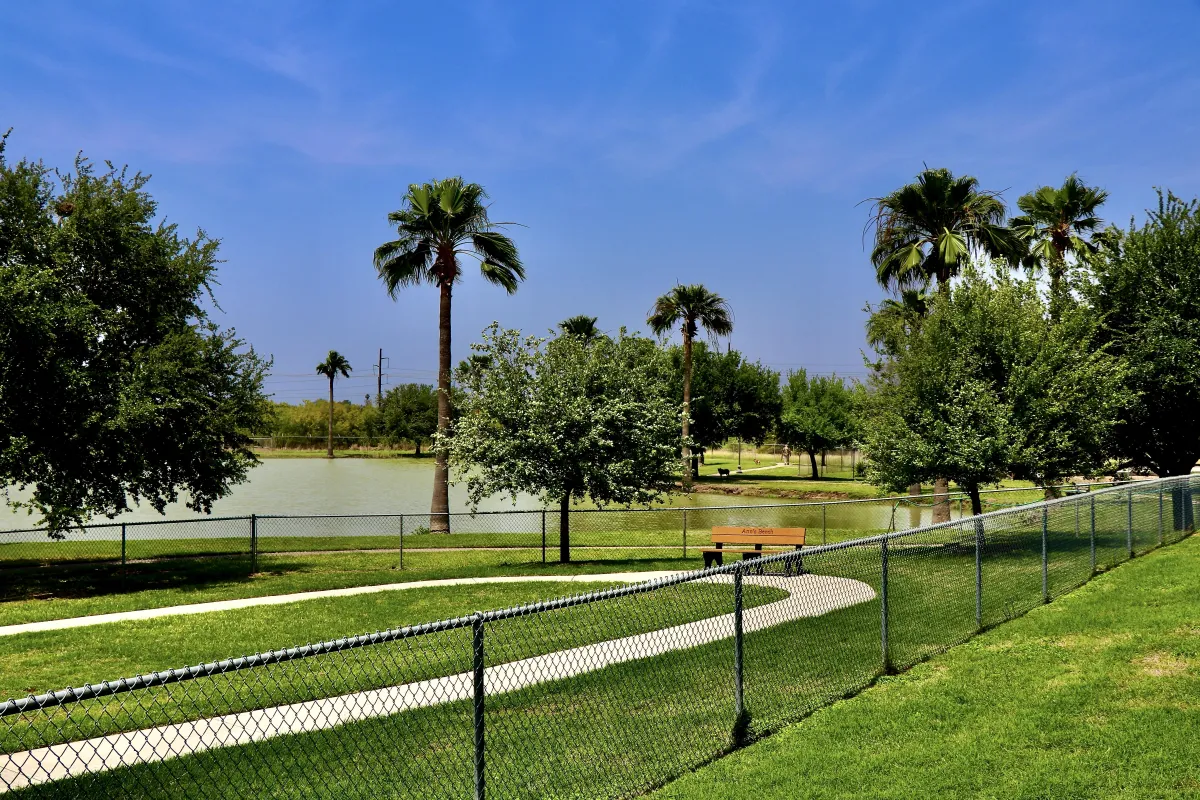
Dog Friendly
Pets are welcome, with a dedicated dog park and dog wash with plenty of space to enjoy walks and outdoor time.

On-Site Dining
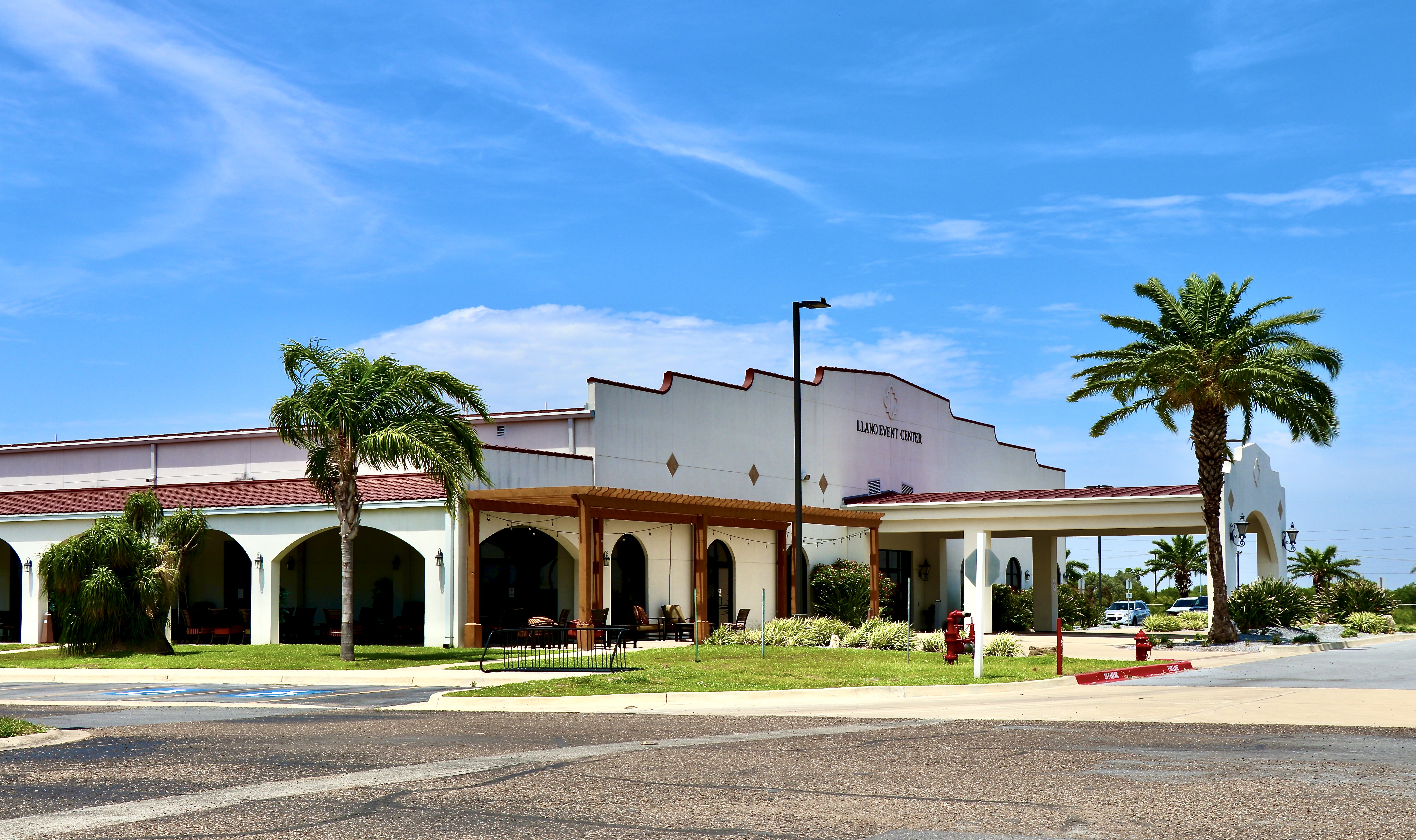
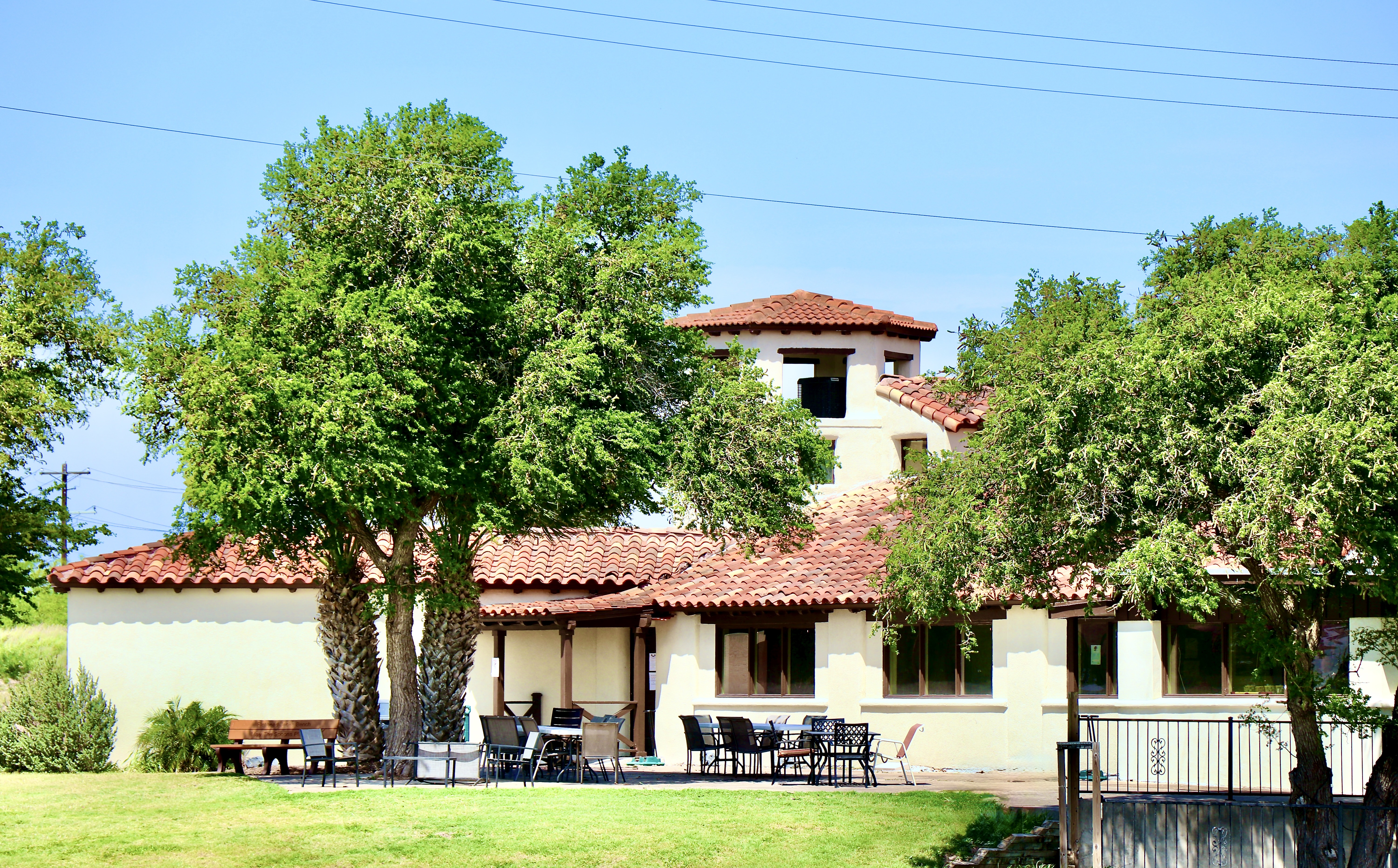
Choose from 2 convenient on-site dining options, along with clubhouses and gathering spaces,

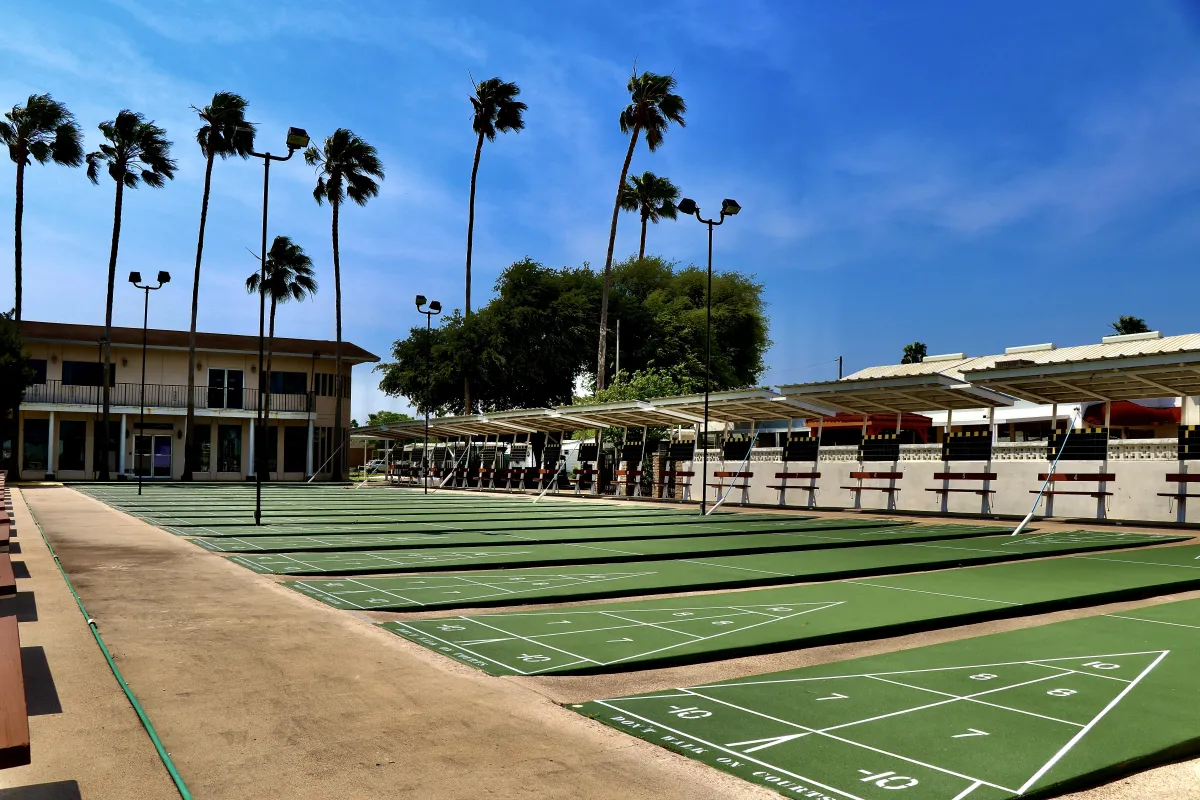
Active Lifestyle Amenities
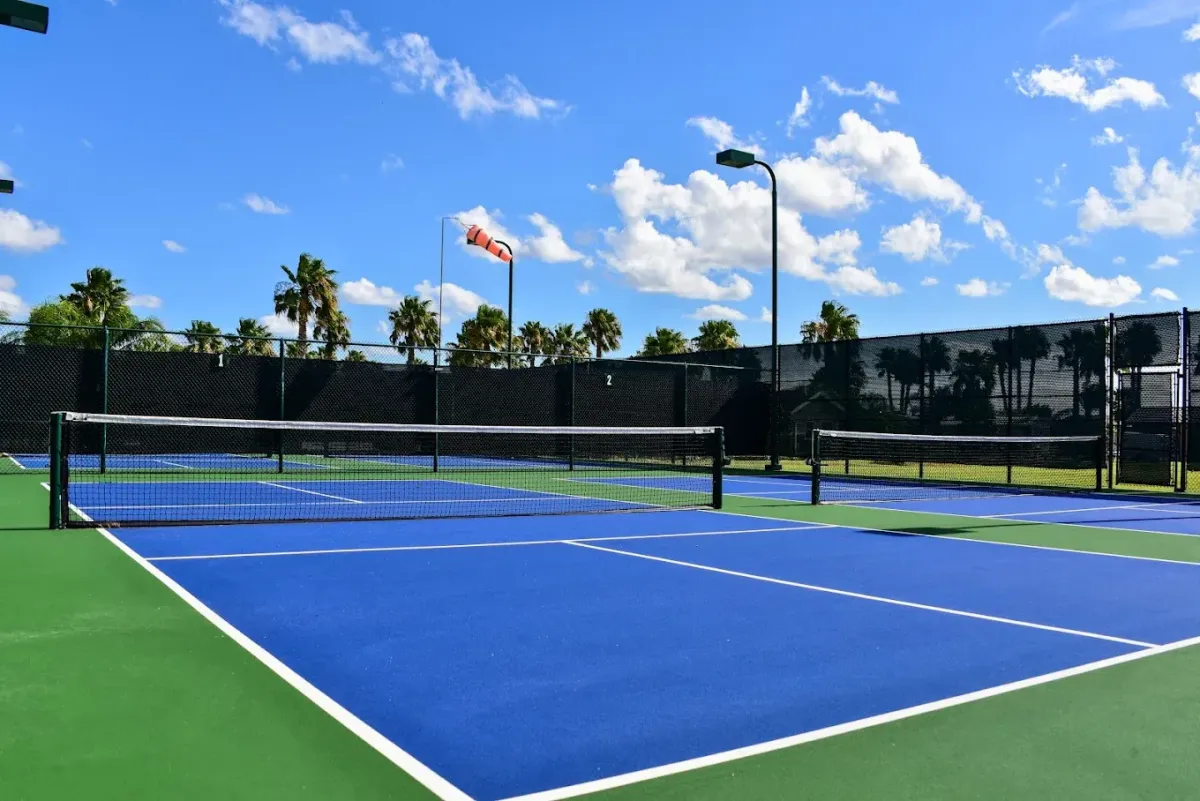
Stay active with a variety of recreational options, including 2 fitness center, 2 tennis courts, 12 pickleball courts and shuffleboard.

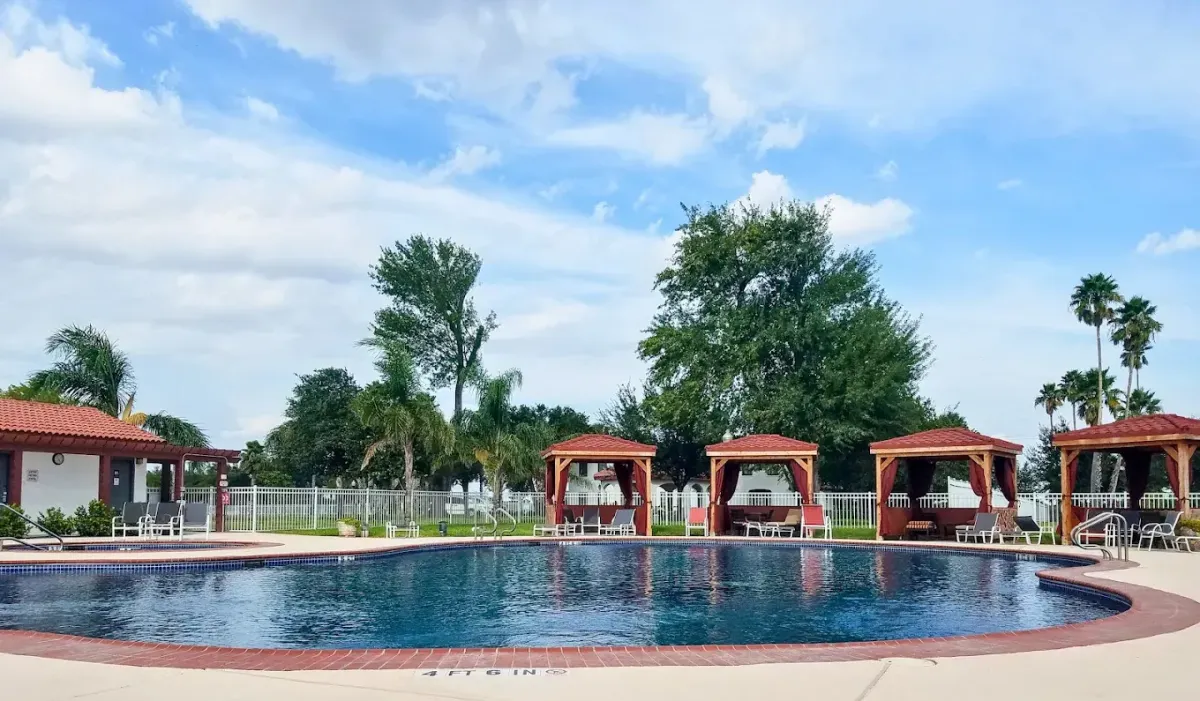
Sparkling Pools and Hot Tubs
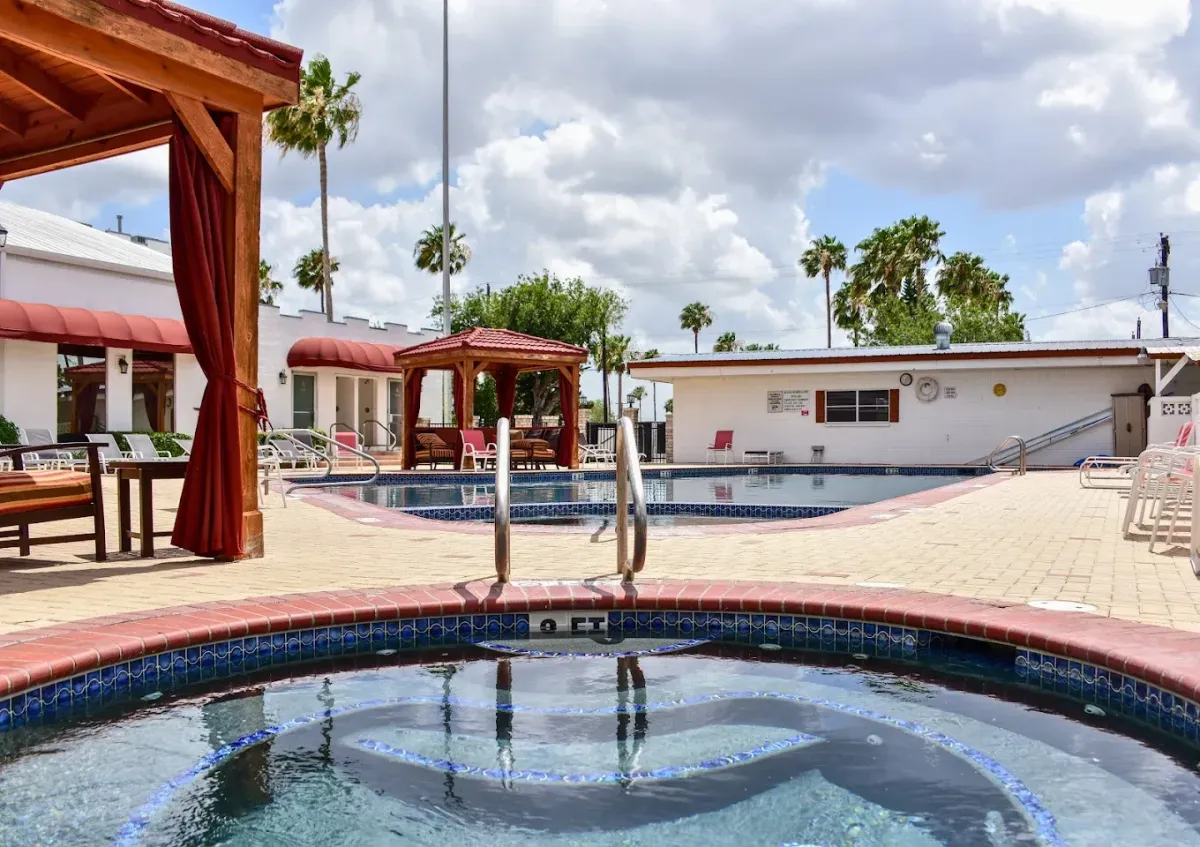
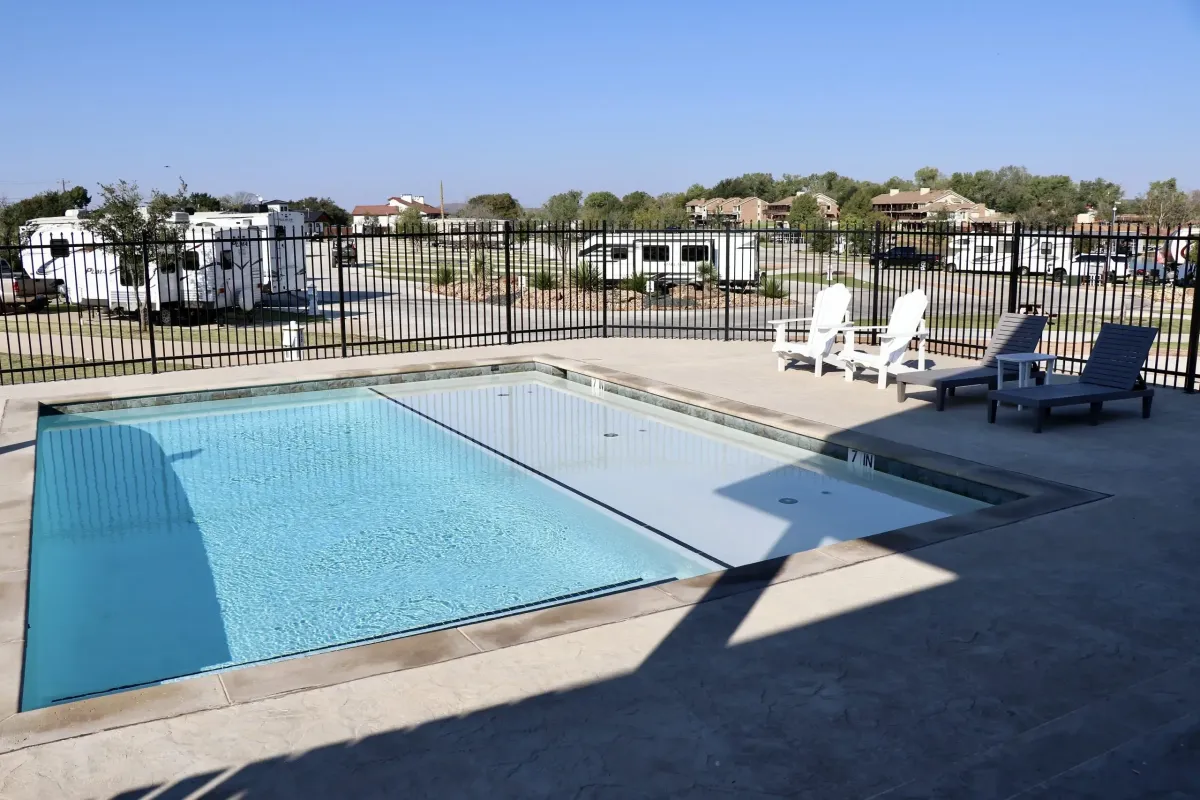
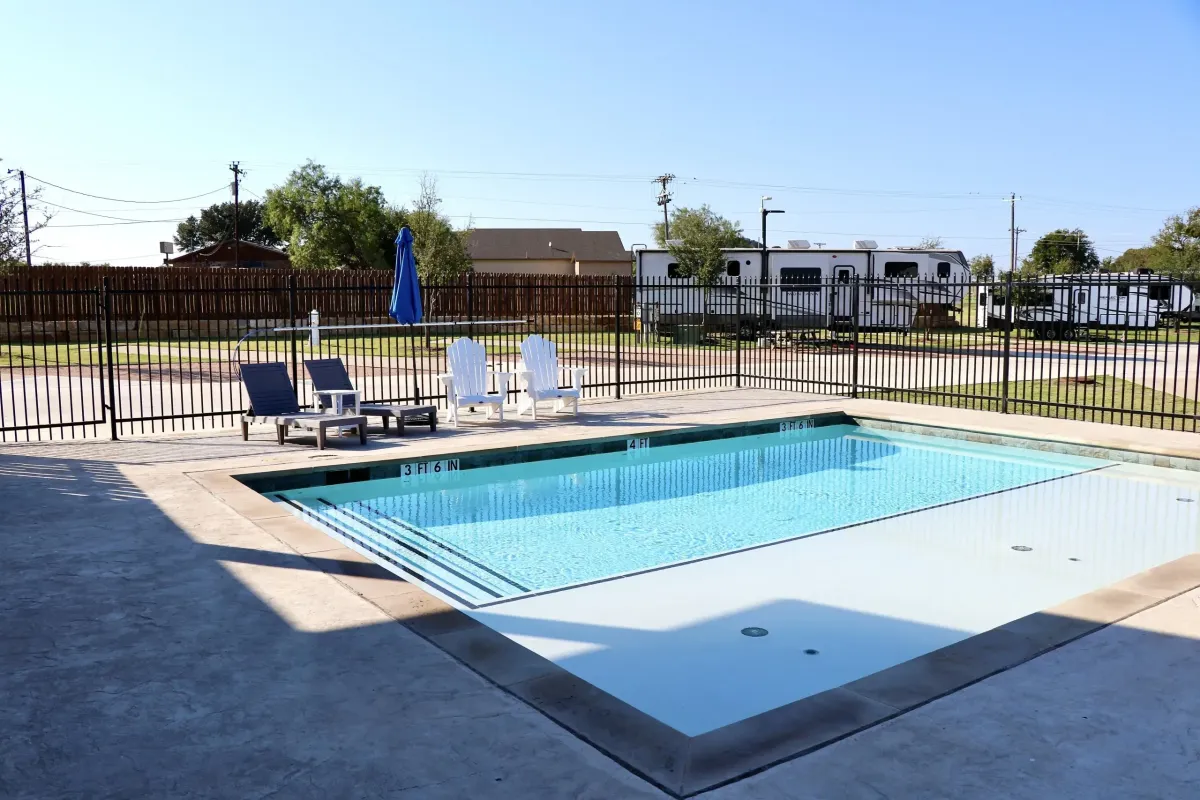
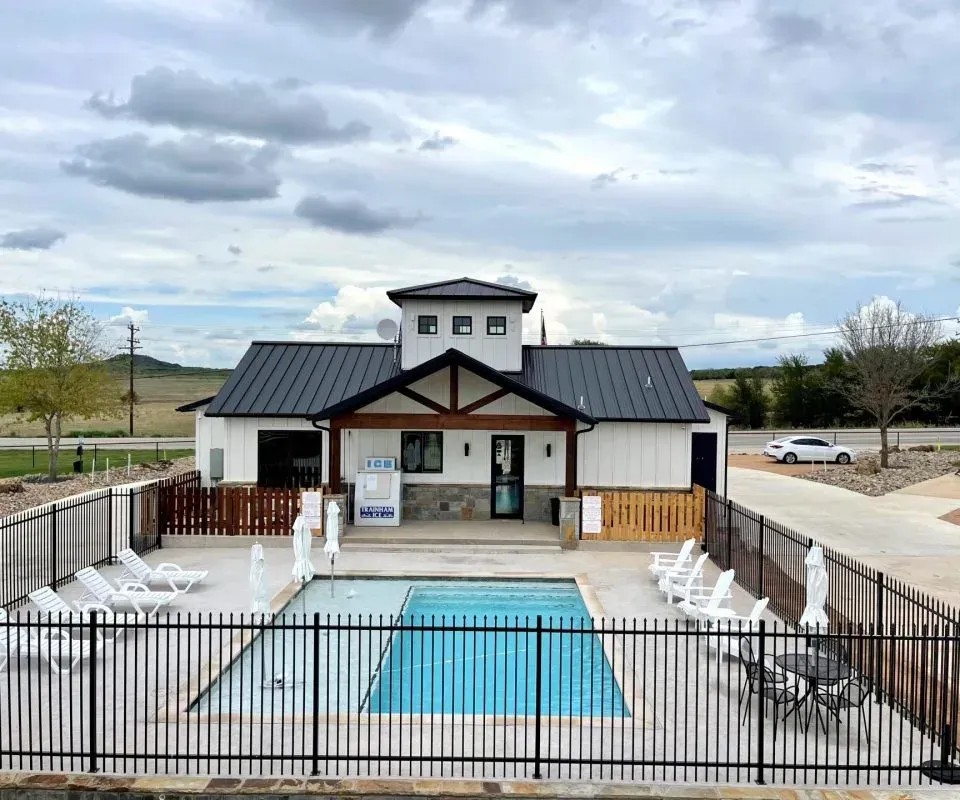
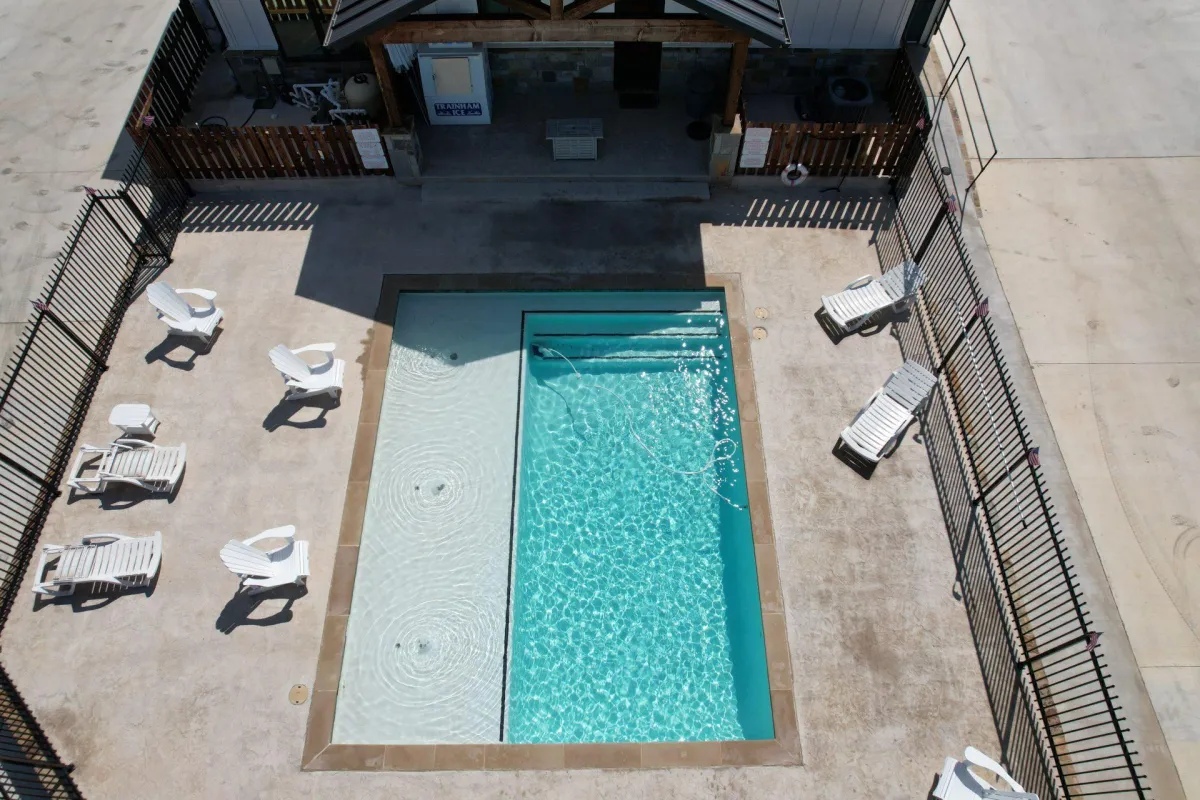
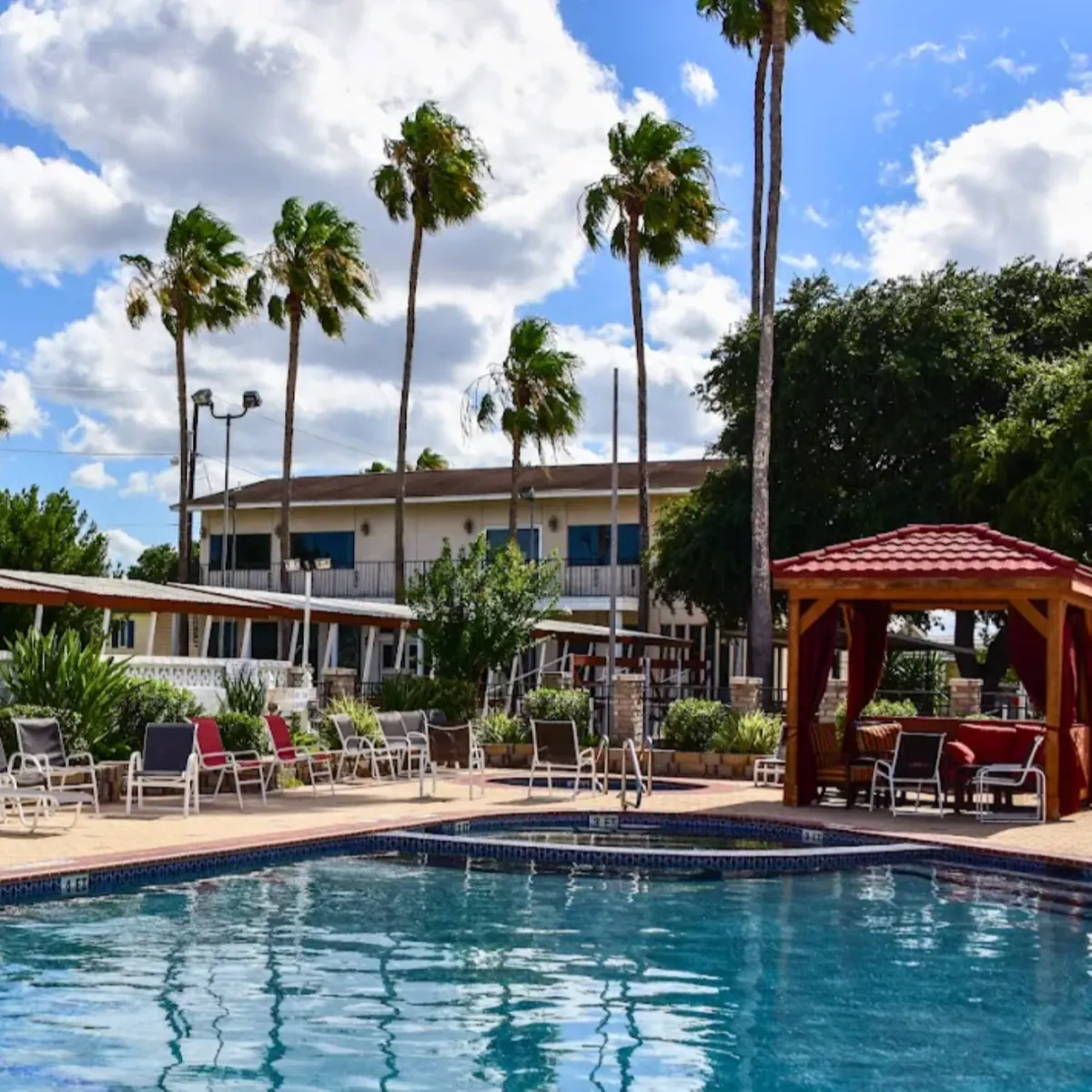
3 swimming pools and 3 hot tubs provide the perfect place to relax, unwind, and enjoy the South Texas sunshine.



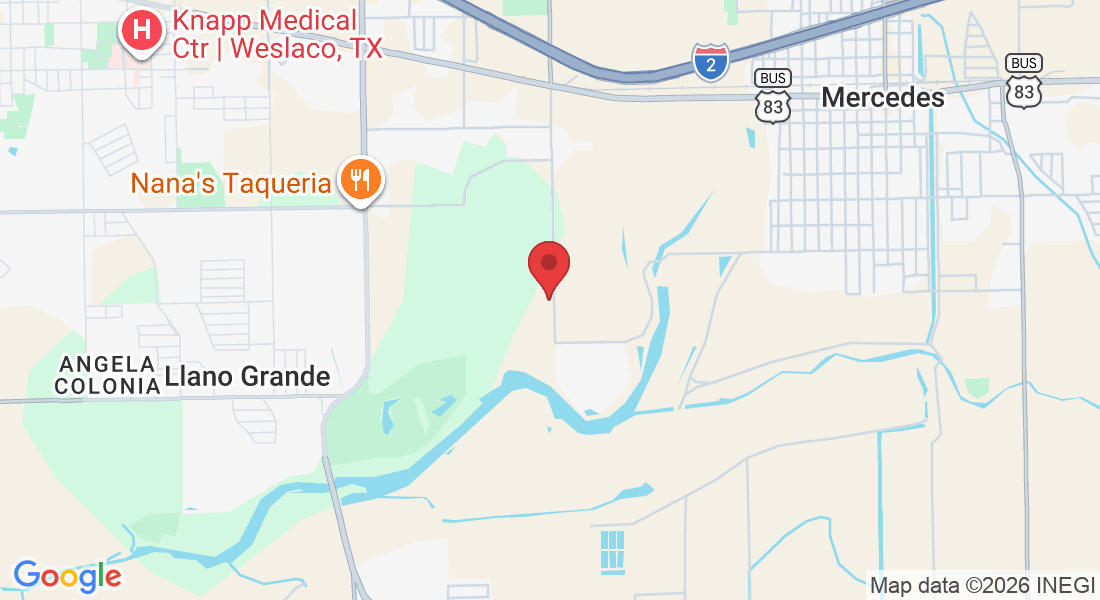
Where to find us
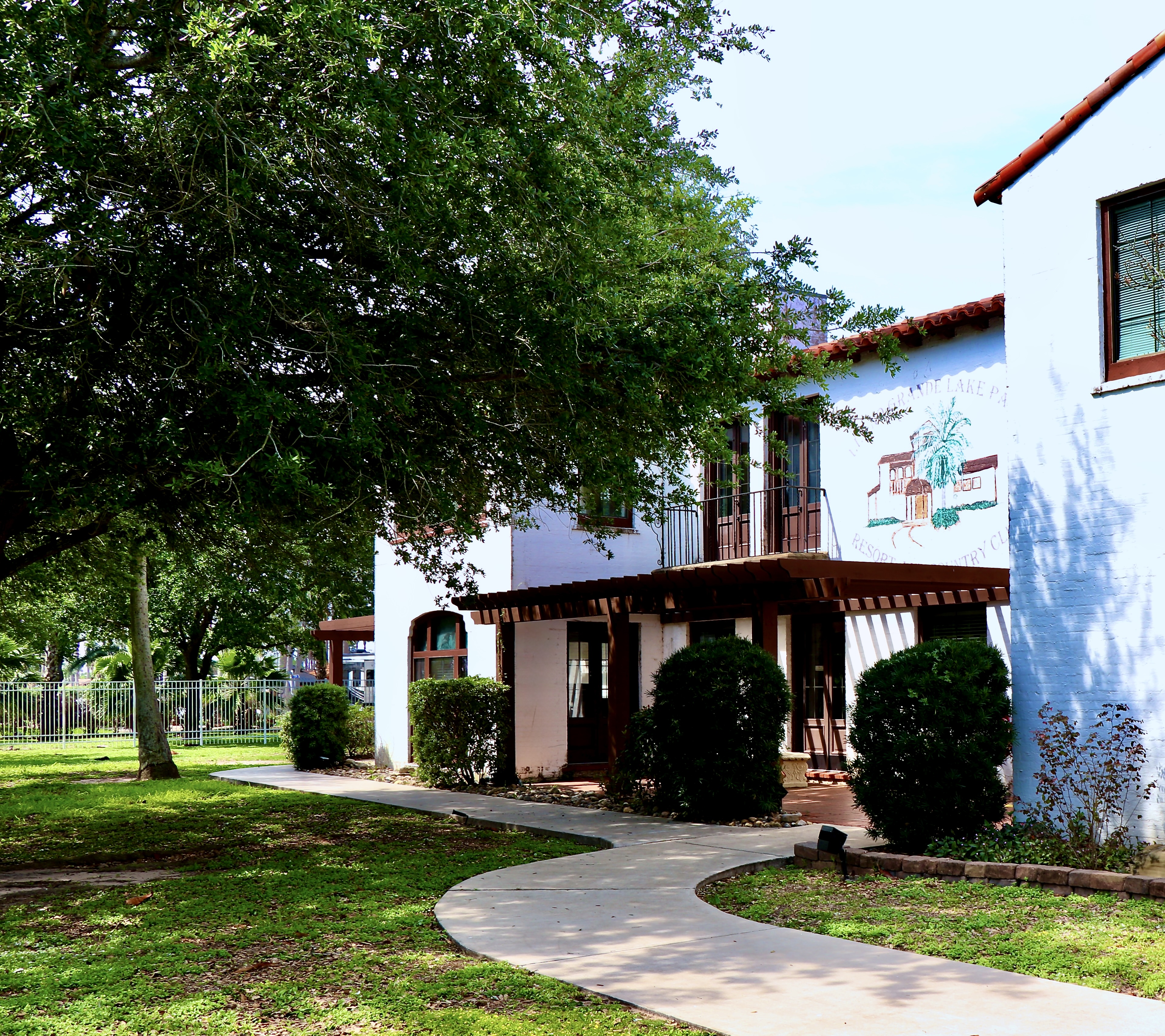
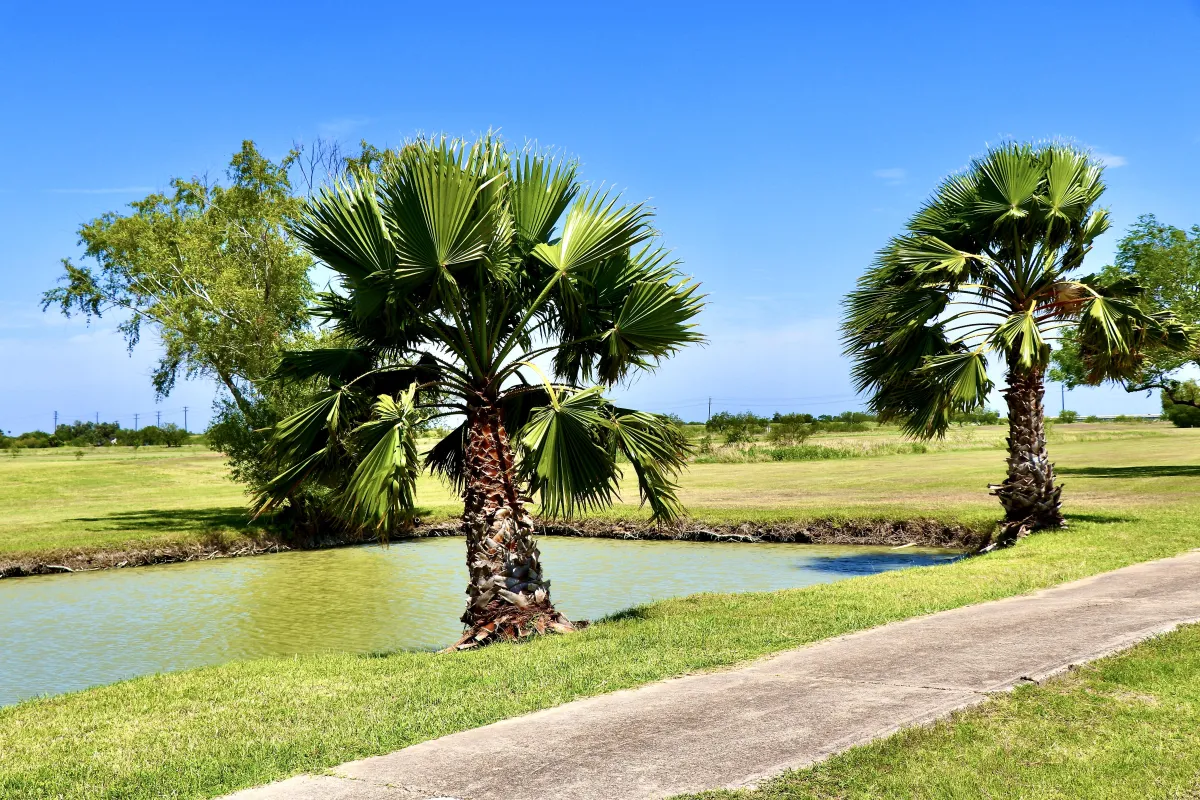
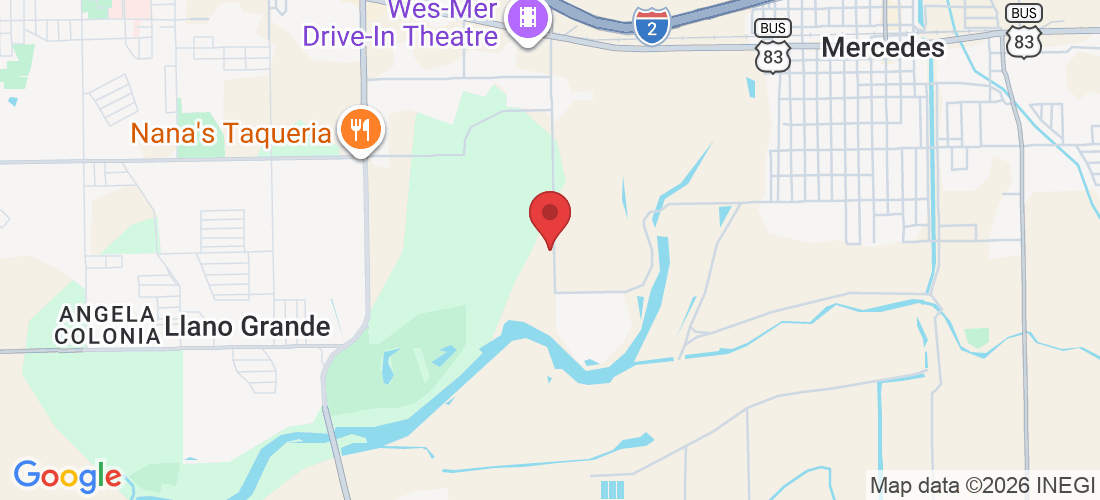
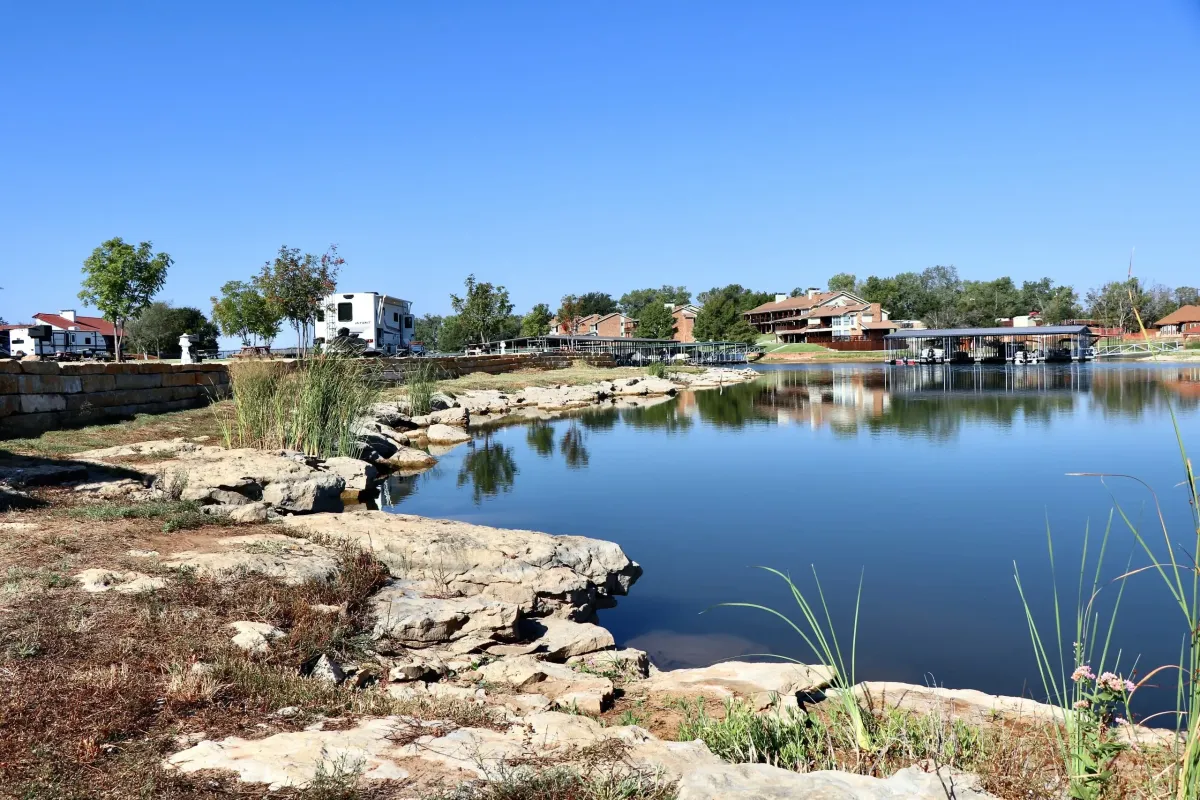
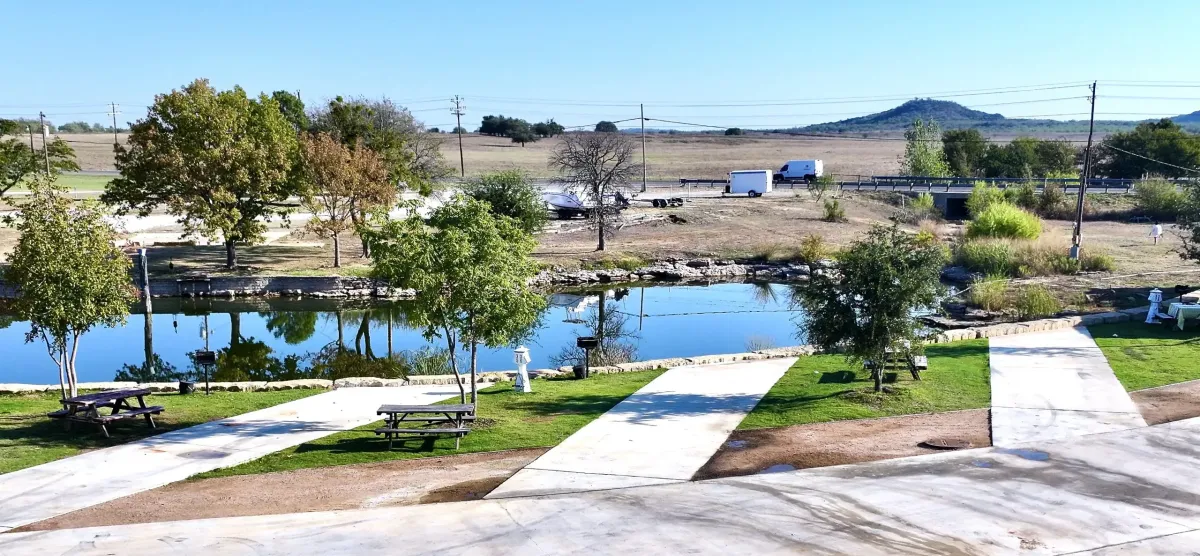
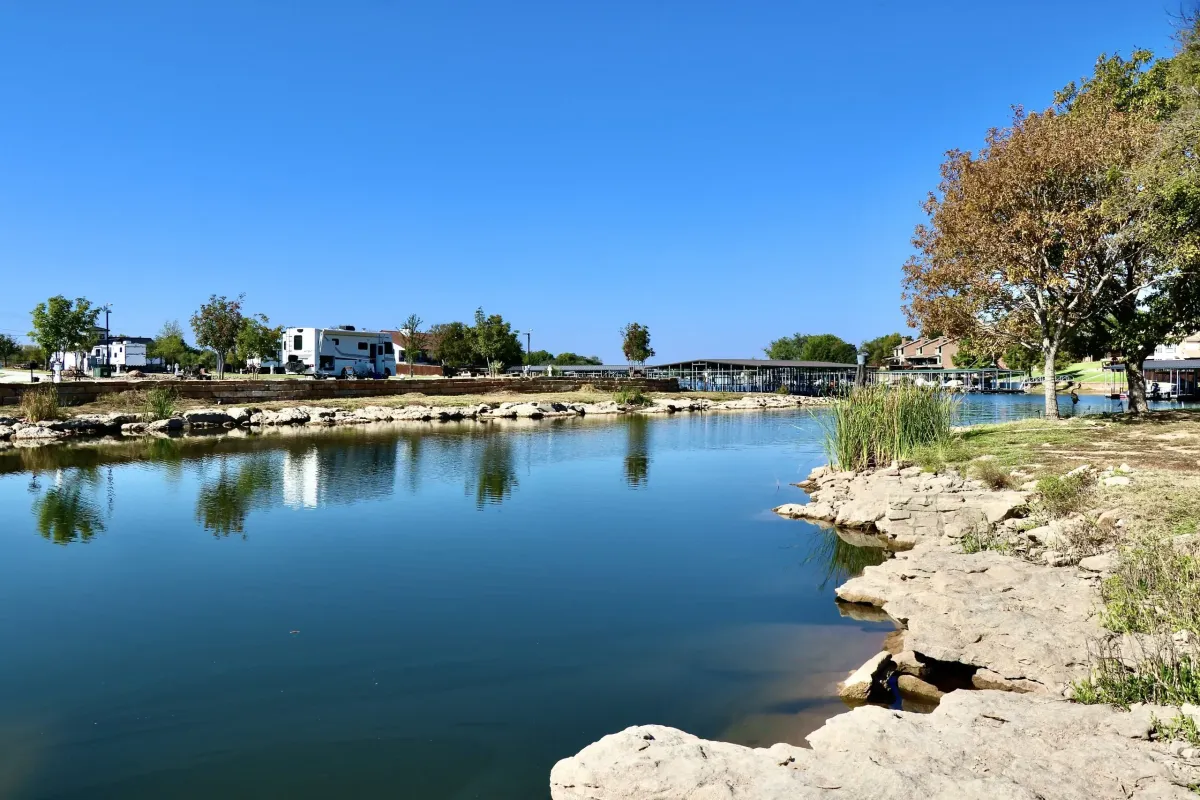
Llano Grande Resort & Golf Club is conveniently located in Mercedes, Texas, in the heart of the Rio Grande Valley. Surrounded by beautifully maintained grounds and a championship golf course, it’s the perfect place to relax, stay active, and enjoy Texas living.

Address:
2215 E W Blvd, Mercedes, TX 78570


Office Hours:
RV Office: M-F 8:30am – 4pm
Activity: M-F 9am – 4pm
Golf Course: Everyday 7am - 4pm
Testimonials

Frequently Asked Questions About Our Mercedes RV Park
What types of accommodations are available at Llano Grande Resort and Golf Club?
Llano Grande offers a variety of living options, including RV sites, park model homes, cottages, and apartment-style units designed for both seasonal and long-term stays.
Is Llano Grande an big rig RV-friendly resort?
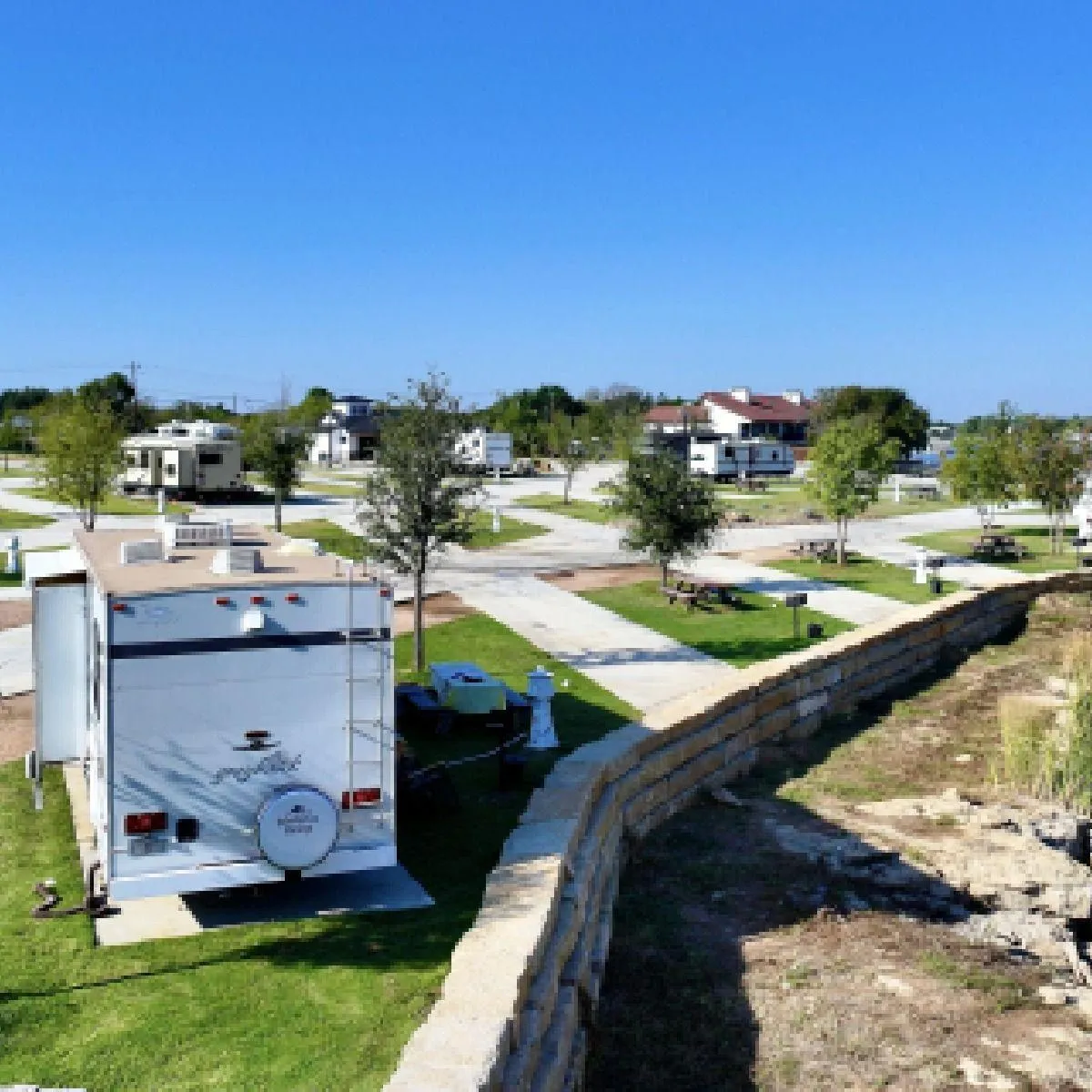
A: Yes! Llano Grande Resort and Golf Club is very big rig friendly, offering spacious pull-thru and back-in full hookup RV sites designed to accommodate larger motorhomes and fifth wheels. The resort’s Llano North section features oversized pull-thru sites with large concrete pads, making setup easy and comfortable for big rigs and slide-outs.
Does the resort have a golf course?
A: Absolutely! Llano Grande Golf Course Pro Shop is located within the resort and offers residents and guests access to a beautifully maintained golf course in the heart of the Rio Grande Valley.
Is WiFi available?
A: Yes! Wi-Fi access is available throughout many areas of the resort to help guests stay connected during their stay.
Are pets allowed at your RV park?
A: Yes, Llano Grande Resort & Golf Course is pet-friendly, allowing guests to enjoy resort living alongside their furry companions. The resort also features a dedicated dog park, giving pets a safe and enjoyable space to play and socialize.
Do you offer monthly rates for extended stays?
A: Yes! Llano Grande Resort & Golf Course offers monthly rates for RV extended stays, making it a great option for seasonal guests and long-term visitors looking to enjoy resort-style living in the Rio Grande Valley.
Are homes available for purchase at the resort?
A: Yes! Llano Grande Resort and Golf Club offers a variety of homes and RV sites for sale, making it easy for guests to enjoy seasonal living or make Llano Grande their full-time home in the Rio Grande Valley.
Does Llano Grande have on-site dining options?
A: Yes! Guests and residents can enjoy convenient on-site dining, including the popular Double Bogey Bar & Grill and Café Grande, offering great food and a welcoming atmosphere within the resort.
What amenities are available at the resort?
A: Llano Grande Resort & Golf Course offers a wide range of resort-style amenities, including a championship golf course, multiple swimming pools and hot tubs, fitness facilities, pickleball and tennis courts, on-site dining, clubhouse and social spaces, and a full calendar of activities and events designed for an active and engaging lifestyle.
Is Llano Grande open year-round?
A: Yes! The resort welcomes guests year-round, making it a great destination for both winter Texans and full-time residents.
What nearby attractions are popular around Llano Grande?
A: Guests enjoy nearby shopping outlets, local restaurants, South Texas attractions, and convenient access to other Rio Grande Valley destinations.
Is Llano Grande a gated community?
A: Yes! The resort offers gated entry, security features, and on-site management to help provide a comfortable and welcoming environment for residents and guests.
Llano Grande Blog and Travel Tips
No blogs found

Get the Latest Discounts and Travel Tips from Llano Grande Resort!
Subscribe to our newsletter to receive the latest travel information and exclusive offers.